PTZ Control Software for Live Production: Every Option Compared (2026)
Six ways to control PTZ cameras compared, whether software control is fast enough for live production, and when to keep your hardware joystick.

Updated October 2026
PTZ control software lets an operator move, frame and adjust pan-tilt-zoom cameras from a computer instead of a dedicated hardware joystick. For live production, the question isn't whether software can move a camera — every PTZ camera ships with a web page that does that — but whether it can do it fast enough, reliably enough and across enough cameras that one operator can run a show.
This guide compares the six ways production teams control PTZ cameras today, answers whether software control is fast enough for live, and explains when to keep the joystick.
Key takeaways
• Hardware joysticks still win on hand feel; software wins on everything that crosses a brand, a room or a person.
• On a local network, software-based control can respond in under 300 ms, which is workable for live framing.
• The things that make software control unreliable are almost always the network path and the setup, not the software itself.
• Many teams end up with both: a joystick for feel, and software as the control layer behind it.
The six ways to control a PTZ camera, compared
What a software alternative to a hardware PTZ joystick actually has to do
The honest bar is not "can it move the camera." It is: can one operator recall the same shot on every camera with one key, regardless of brand; can a second person pick up the show if the first one has to leave; can the operator match cameras without opening ten tabs; and does it still feel controllable at the end of a long zoom. A software alternative that only replaces the stick and leaves the rest is a worse joystick. One that adds those four things is a different tool.
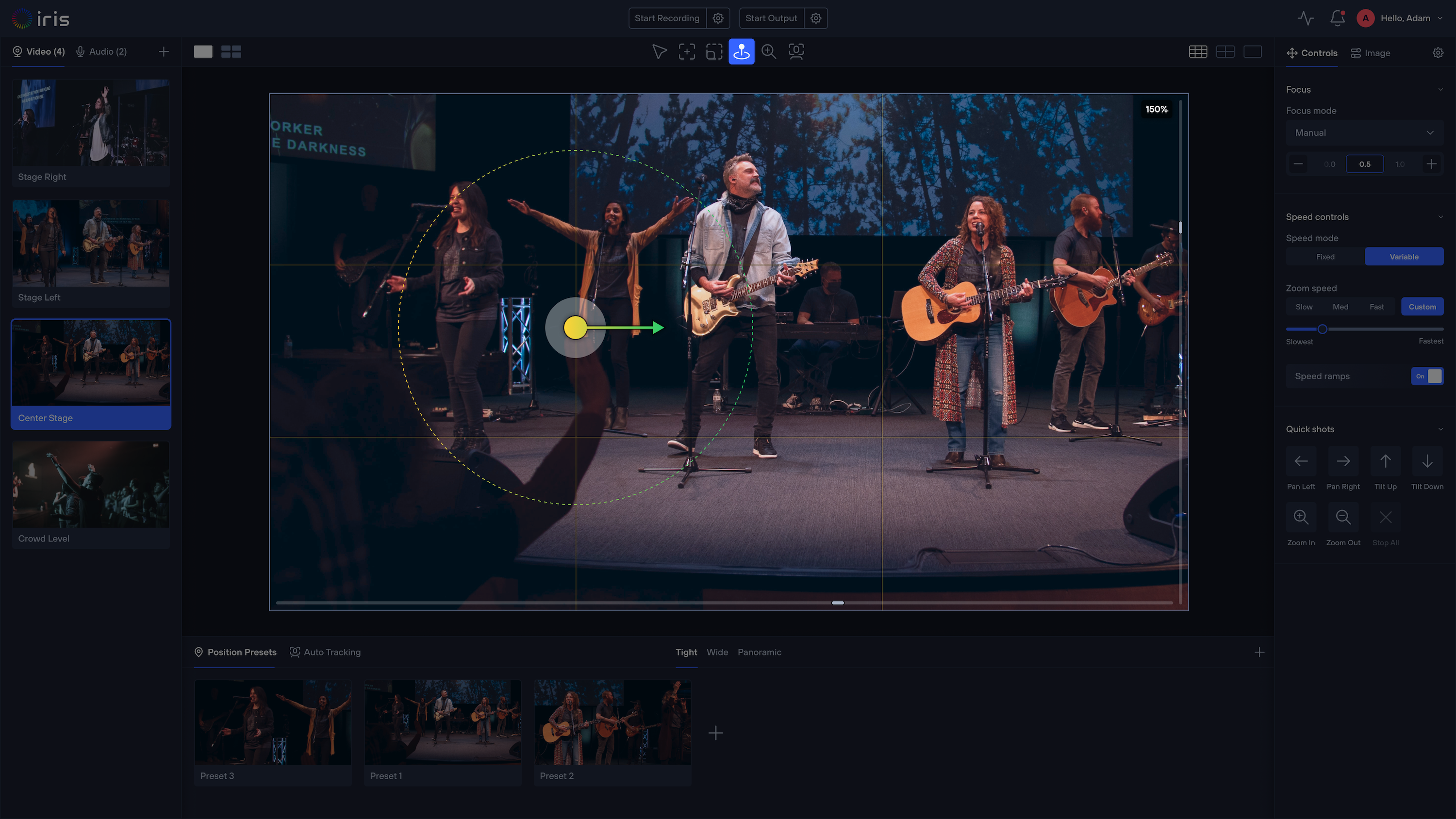
In practice that means presets that work the same way across brands (with thumbnails, groups and keyboard recall), assisted framing — click a person to center them, draw a box to frame them — that behaves identically on every camera because each one has been calibrated, image presets you can push from one camera to another, and a shared workspace with roles so a helper can watch without moving the live shot.
Is cloud-based PTZ camera control fast and reliable enough for live production?
It depends on where the control signal goes, not on the word "cloud." Three things add up to what the operator feels: the path from the controller to the camera, the camera's own processing time, and the path the video takes back to the operator's screen.
When the operator and the cameras are on the same network, software-based control can respond in under 300 ms, which is workable for live framing. Some camera models add their own delay on top (certain Sony models add around 220 ms in the camera itself), which no software can remove. When the operator is in another building or city, control has to cross the internet, and responsiveness depends on both upload connections. That is fine for monitoring, adjustments and preset recalls; it is a harder ask for fast, freehand follow shots.
The reliable pattern is to keep control local whenever the operator is on site and use a cloud session only when someone genuinely remote needs in. Software that offers both — a Local Mode where video stays on your network and a Cloud Mode for the remote session — lets you make that choice per show instead of per product. Before trusting any setup on air, recall a preset and count the frames until the camera moves; measure, don't assume.
Speed and smoothness are settings, not luck
Much of what operators call "lag" or "jerky" is speed tuning. Good PTZ control software lets you set pan/tilt and zoom speed separately; choose Variable mode (speed scales with how far you push) or Fixed mode (always the same speed); slow pan and tilt automatically when zoomed in tight; and set the speed the camera uses when recalling a preset, independent of manual moves. Gamepad pace presets let an operator jump between slow, medium and fast without touching the screen. Set these in rehearsal, not during the show.
Keep the joystick (if you love it)
Replacing the hardware controller is not required. Many teams keep a VISCA IP joystick at the main position for hand feel and run software across the fleet for everything the panel can't do: other brands, other rooms, remote access, image matching and monitoring. In Iris, a VISCA-compatible IP joystick pairs in the desktop app and drives whichever camera is selected; USB and Bluetooth gamepads work in the browser too. The controller becomes an input device, not the whole control system.
What integrators can offer clients
For integrators, the useful question is what the client's team can run after the install. Software-based control lets you set up each room or site as its own Studio, give the client's operators Producer access and their managers Viewer access, keep a support seat for yourself, and help remotely during a show without a truck roll. Because it works with the cameras already installed, it fits upgrades as well as new builds.
"Iris provides the exact remote solution we need, because ultimately our main goal is to have a single, unified umbrella over just about every one of our IP-controllable cameras." — Broadcast Operations Manager, 24/7 regional broadcast station
How to choose
FAQ
What is PTZ camera control software? Software that controls pan, tilt, zoom, focus, image settings and presets on PTZ cameras over a network, replacing or supplementing a hardware joystick controller.
What's a software alternative to a hardware PTZ joystick controller? A software-based control platform that speaks the camera protocols directly (VISCA over IP, NDI, ONVIF, RTSP and brand APIs) and gives you one interface for every camera, with presets, assisted framing and image controls. You can still attach a gamepad or IP joystick for hand feel.
Is cloud-based PTZ control fast enough for live production? On a local network, software-based control can respond in under 300 ms, which works for live framing. Over the internet it depends on connection quality; use it for remote monitoring, adjustments and preset recalls, and keep control local when the operator is on site.
Can I control different camera brands from one PTZ controller software? Yes, if the software has drivers for each brand. Iris supports 400+ models across 25+ brands; check the supported-cameras list for your models.
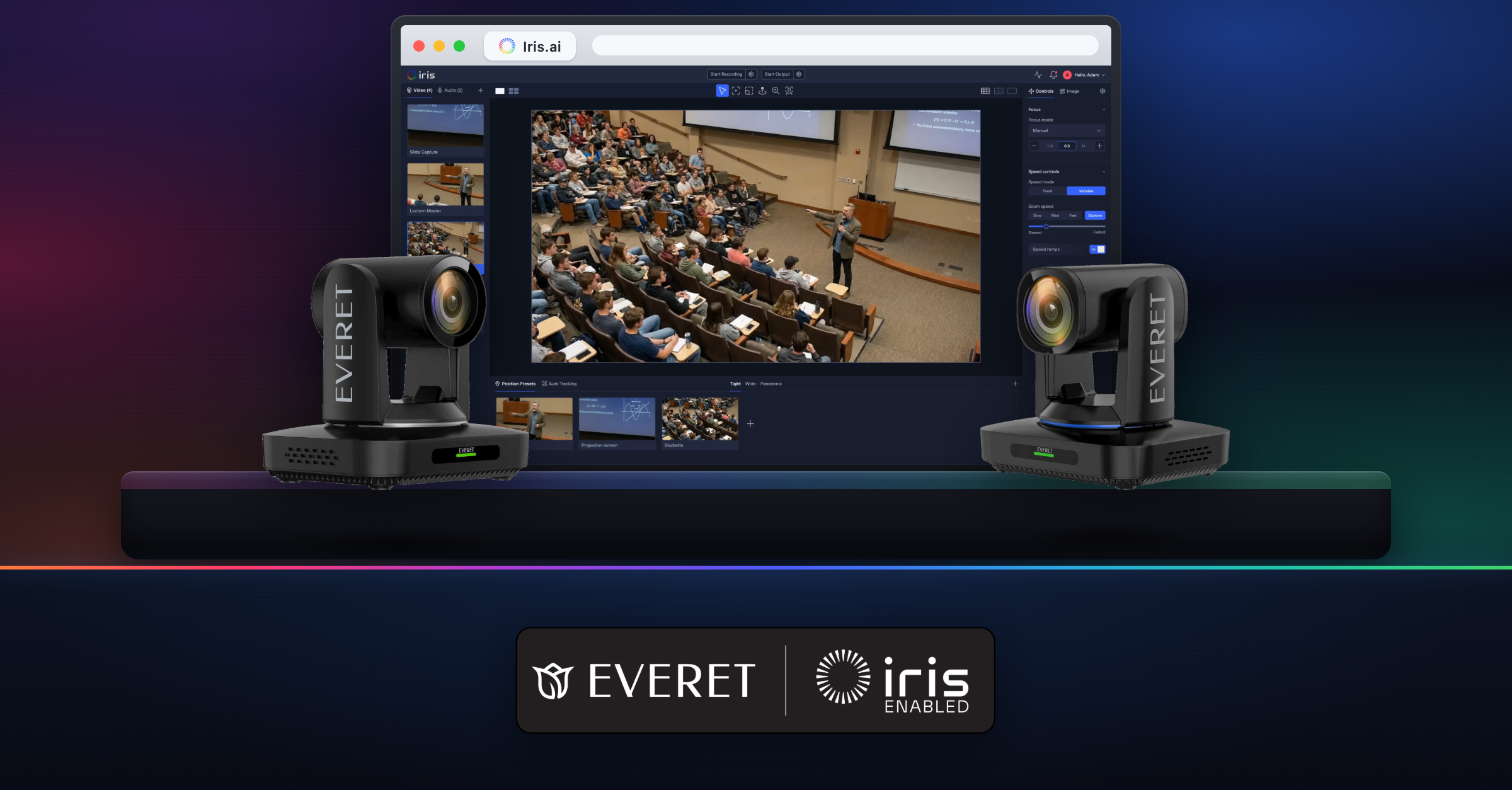
Do I need a computer at the venue? For local control, yes: a Mac or Windows computer on the camera network runs the Iris Bridge. Iris-Enabled cameras can link directly without one, in Cloud Mode.
Can I use my existing PTZ joystick with software control? Yes. VISCA-compatible IP joysticks pair with the Iris desktop app, and standard USB or Bluetooth gamepads work as well.
More from the Iris blog
All posts
Get started
Upgrade your PTZ control with Iris.
Control, manage, color-correct, and monitor any camera from anywhere — with the brands and gear you already own.