
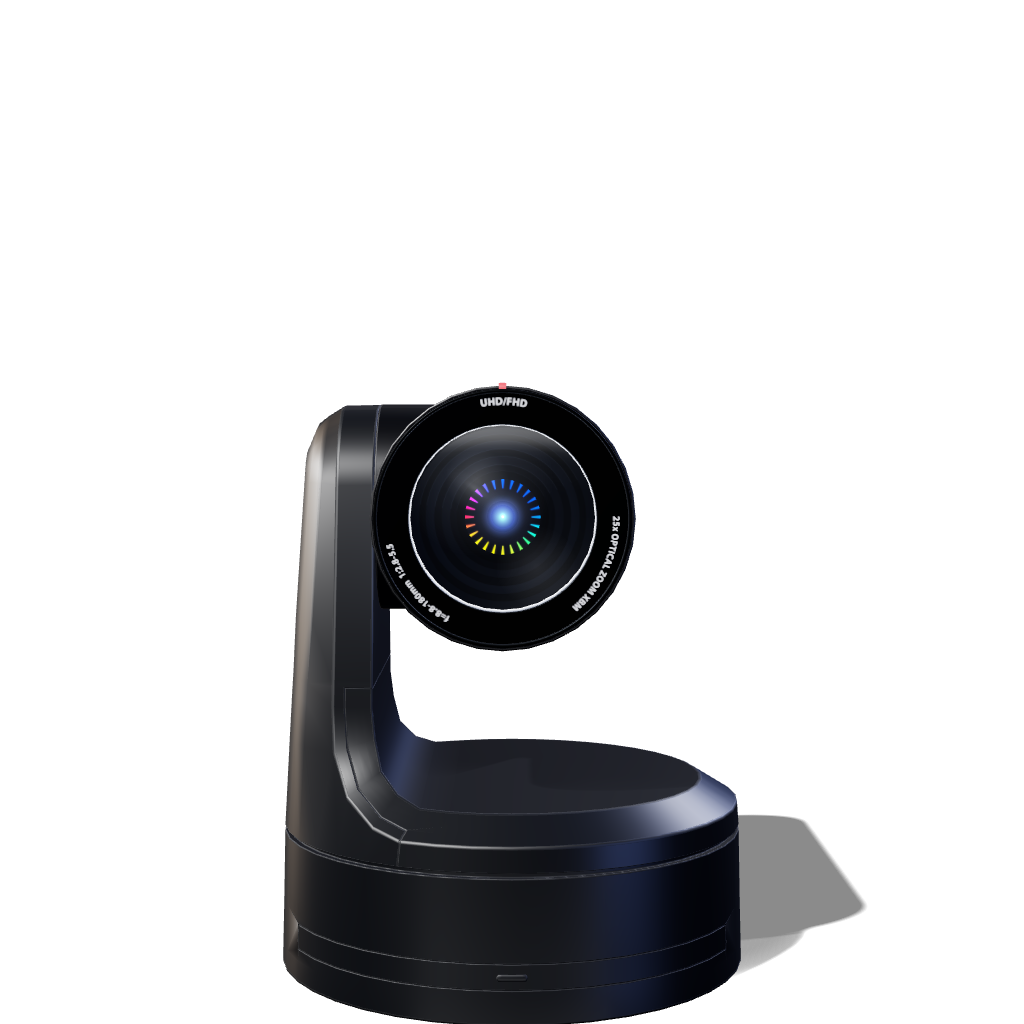
Iris, built right
into your camera
Iris-Enabled cameras connect directly to Iris, giving you browser-based control, monitoring, and support without a separate computer running on site. Link once, then reach your camera wherever production takes you.
- Direct-to-cloud connection
- No separate onsite computer
- Access from any browser

Integrated into cameras from brands you trust.
Look for the Iris-Enabled badge on supported models from leading camera manufacturers. Each camera includes Iris built into the firmware, enabling a direct connection to Iris after a one-time link.















Are you an OEM? Become Iris-Enabled
WHY IRIS-ENABLED
The shortest path from camera to cloud.
Iris-Enabled cameras connect directly to the cloud. No onsite computer required.
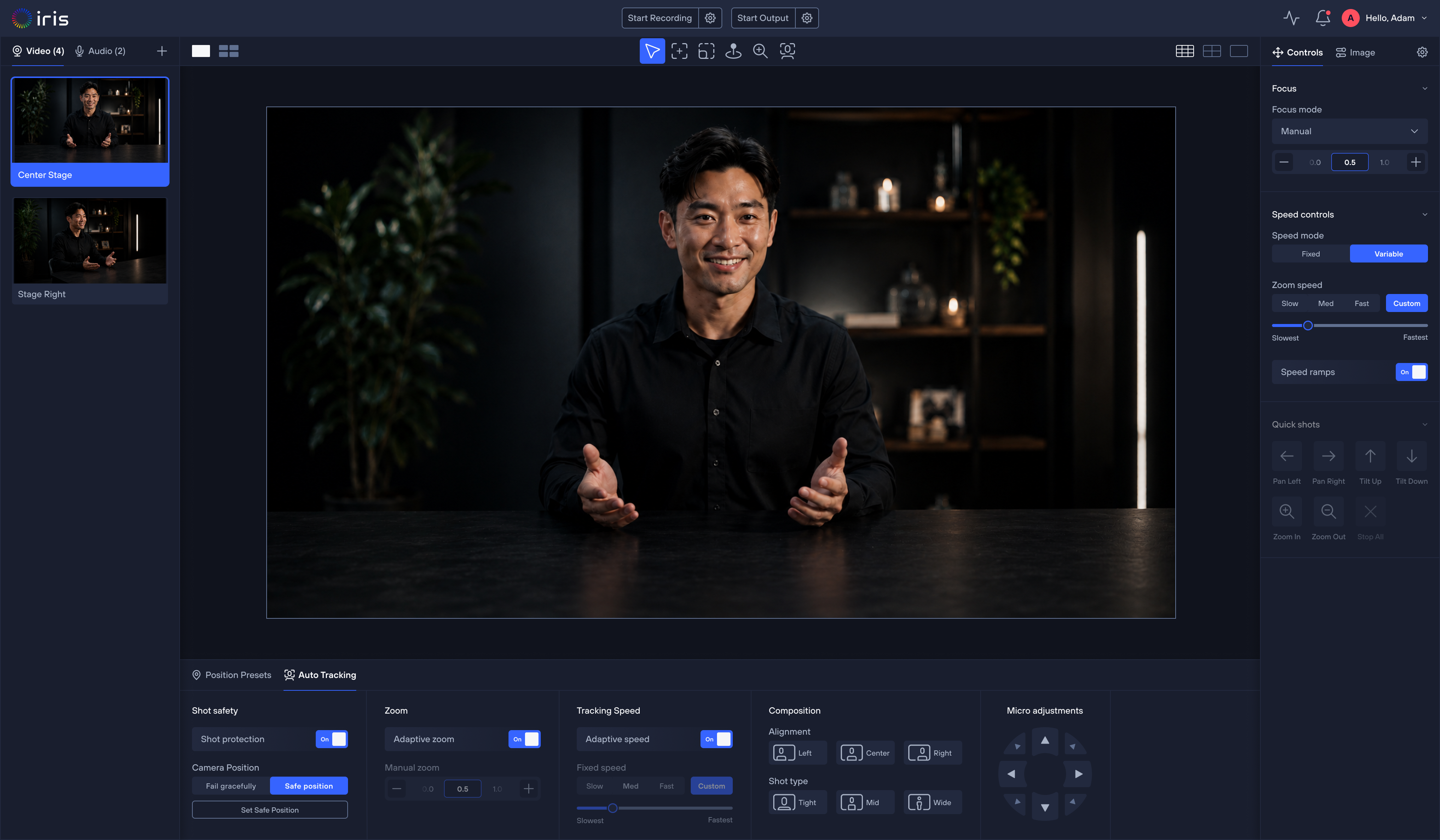
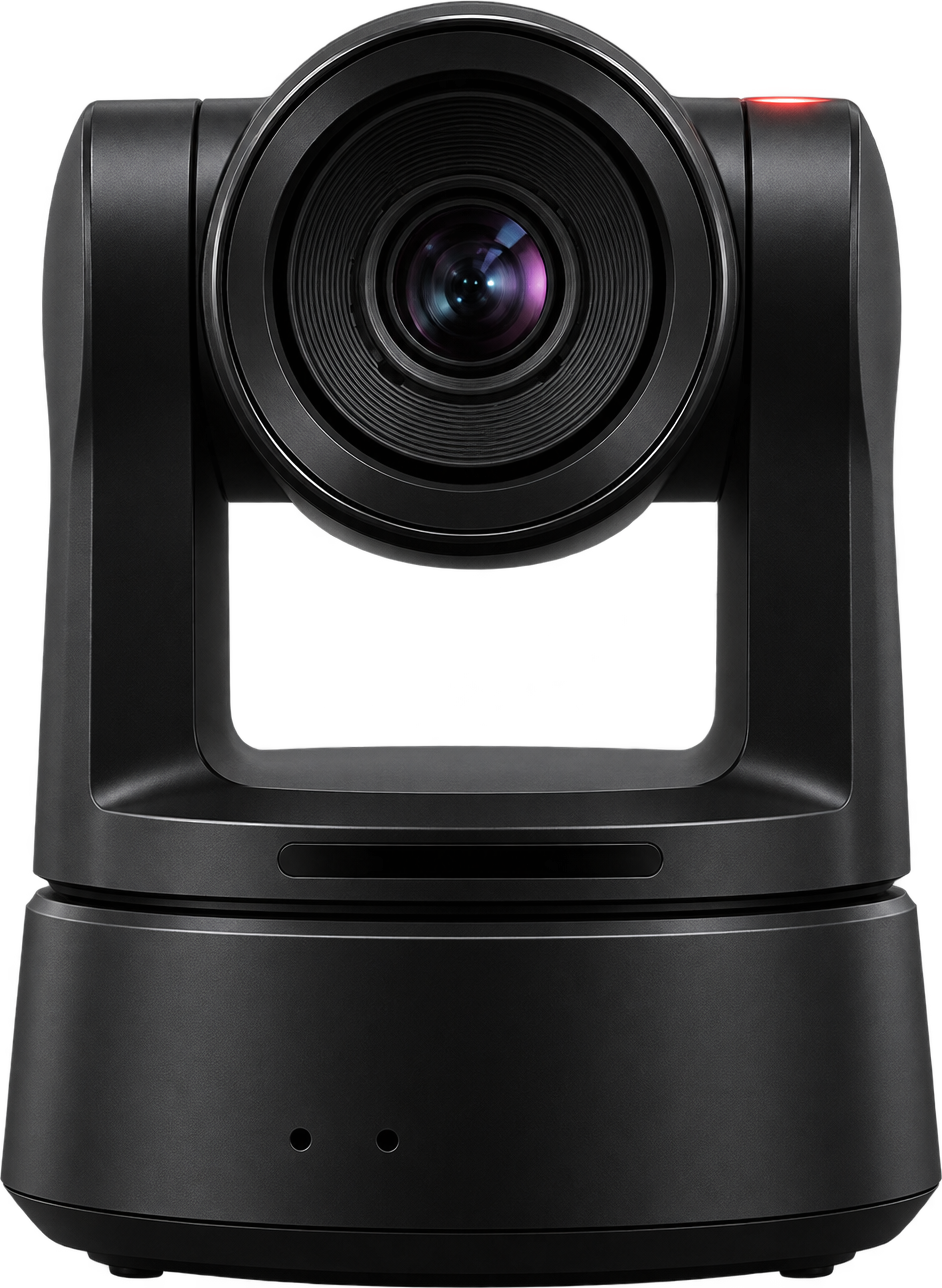
Direct to cloud
The camera connects to Iris on its own—without relying on a separate computer.
Link it once
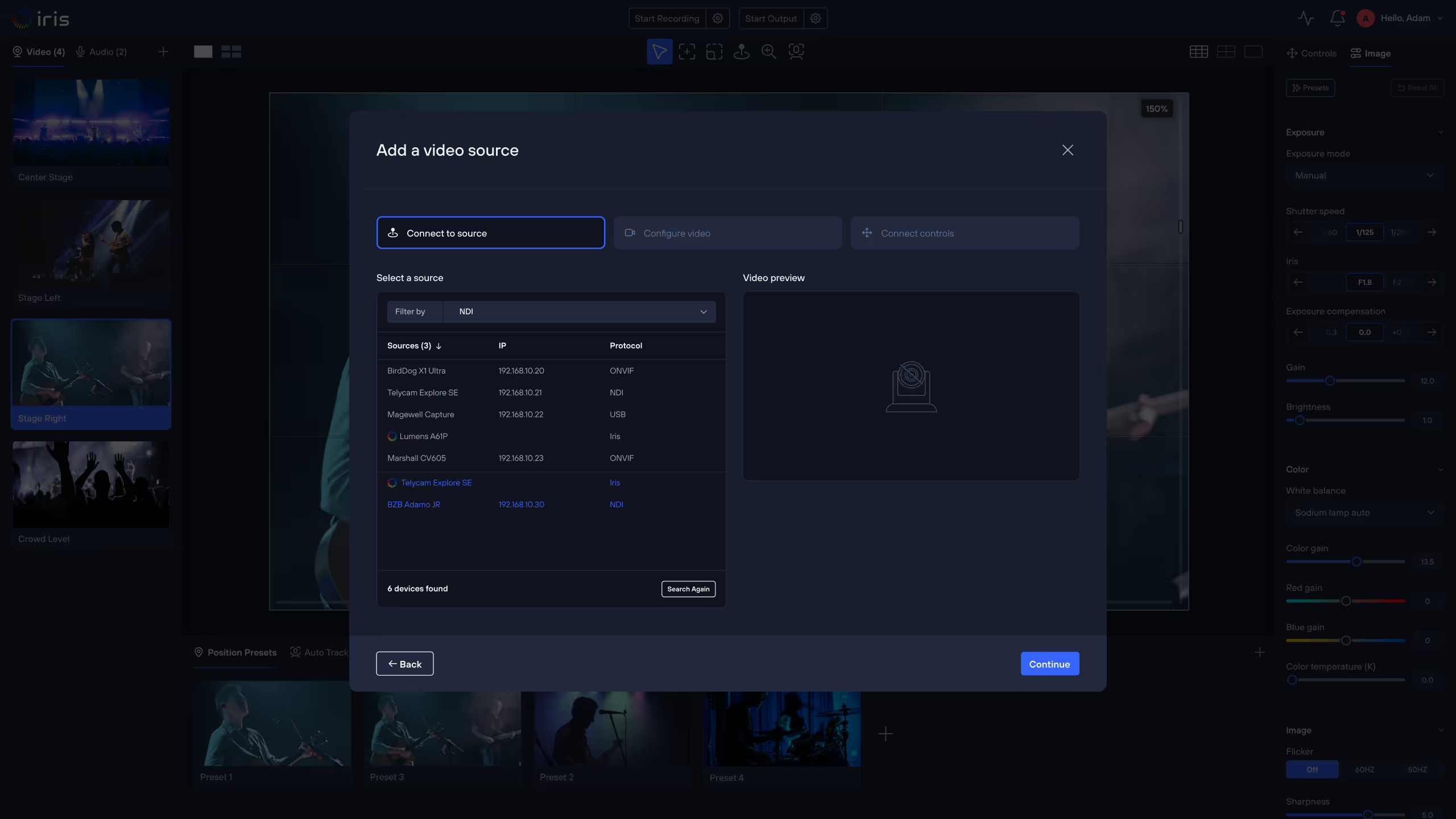
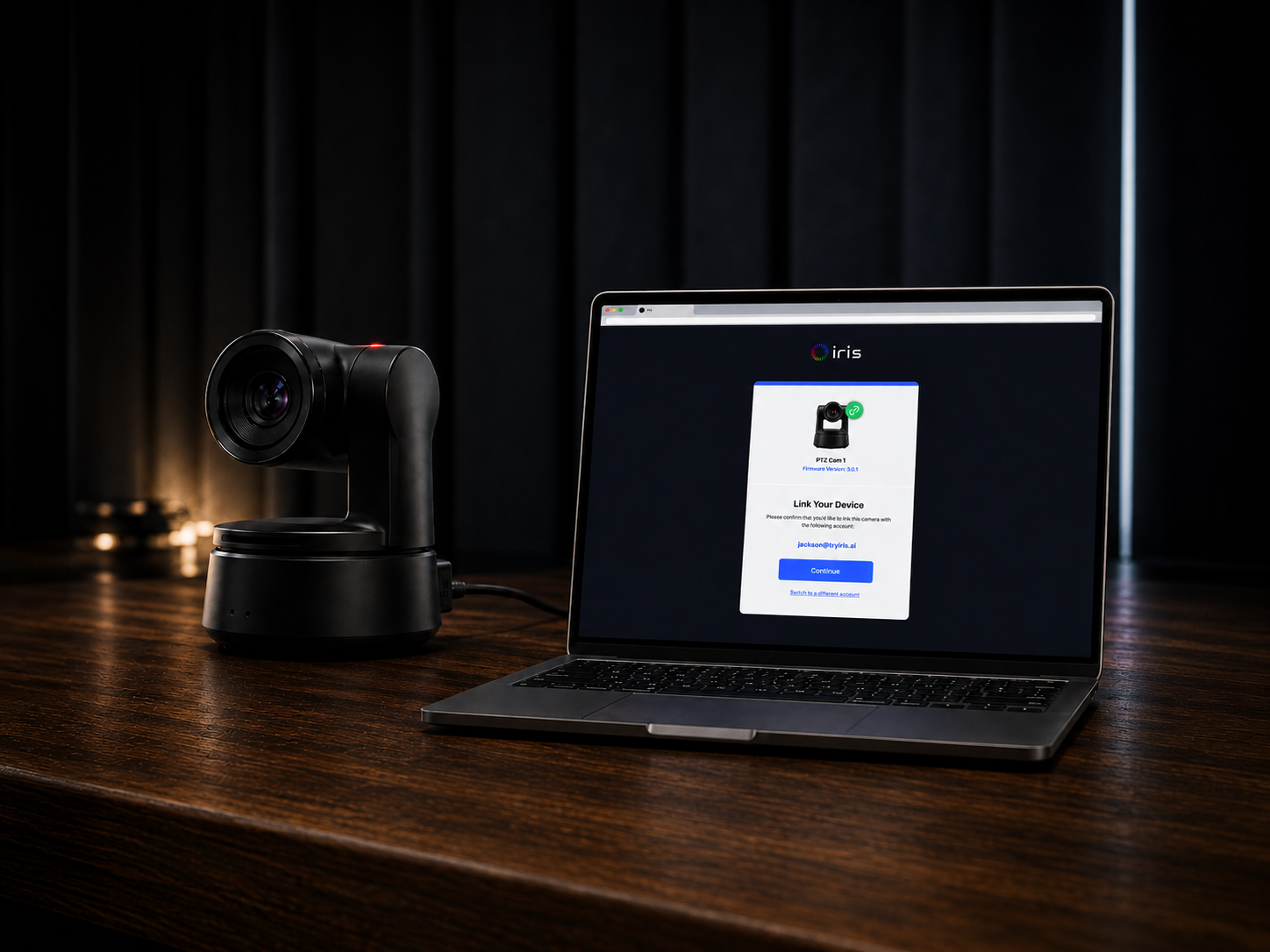
Connect the camera to your Studio once. It remembers where it belongs, even when it moves to a different network.
Access it anywhere
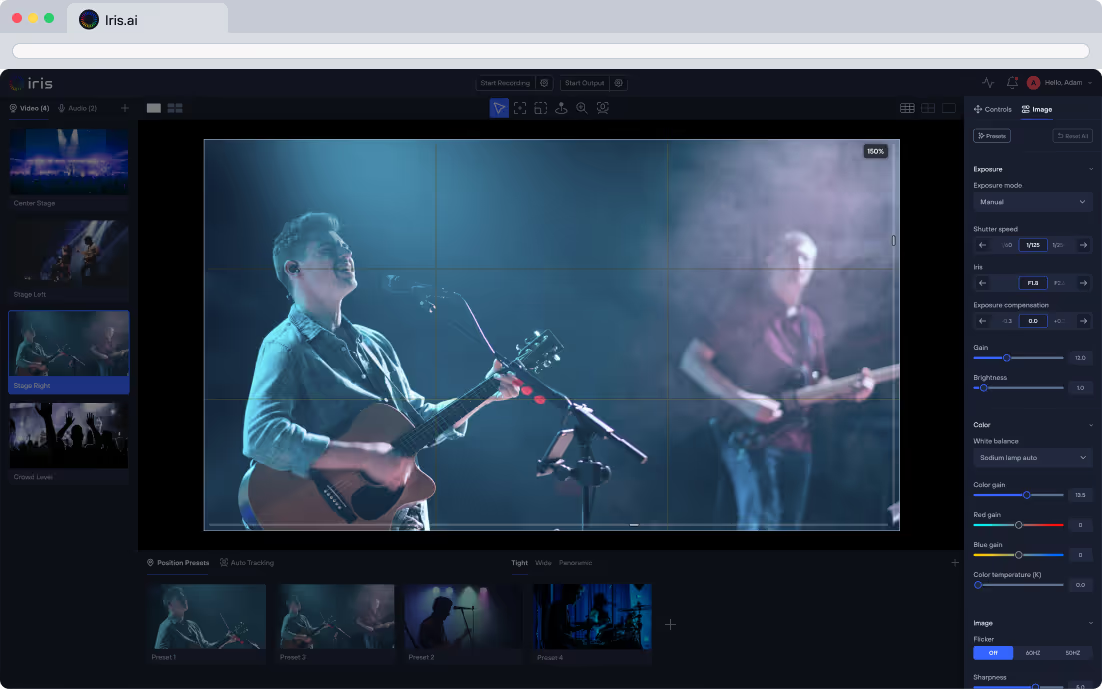
Open Iris in any browser to view, control, and support the camera wherever you are.
Built-in device visibility
See connection status and camera health without being in the room.
WATCH THE WALKTHROUGH
Learn how to set up your Iris-Enabled camera.
A short walkthrough of linking a camera to your Iris Studio, from power and network to your first shot.

ONE INTEGRATION
Link once. Control everything.
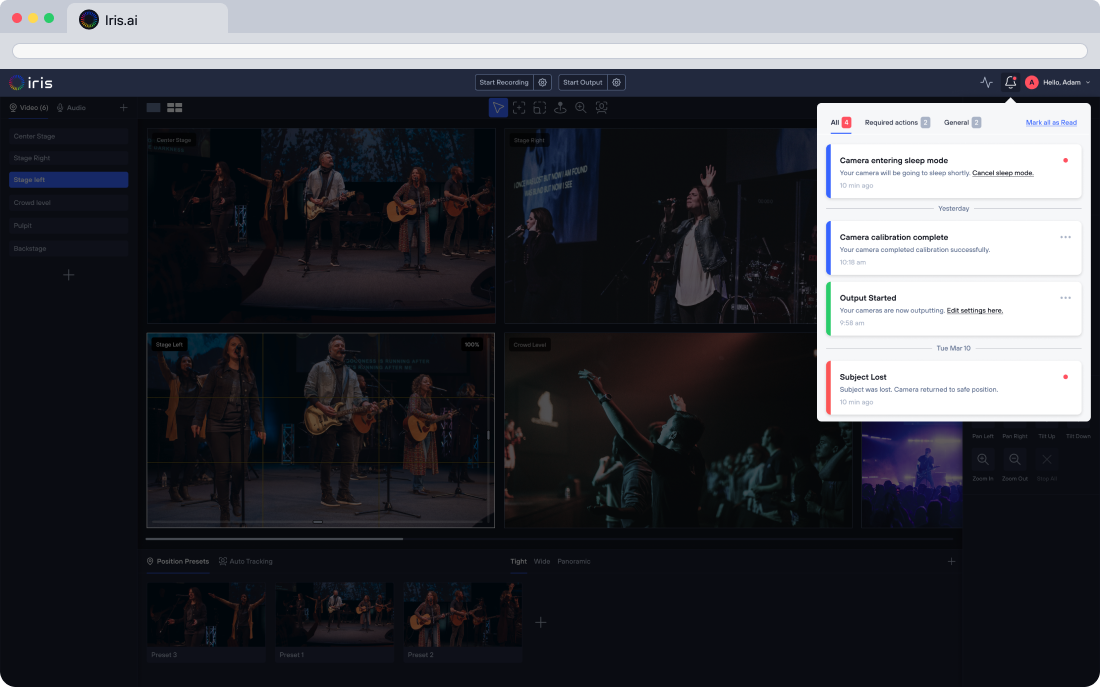
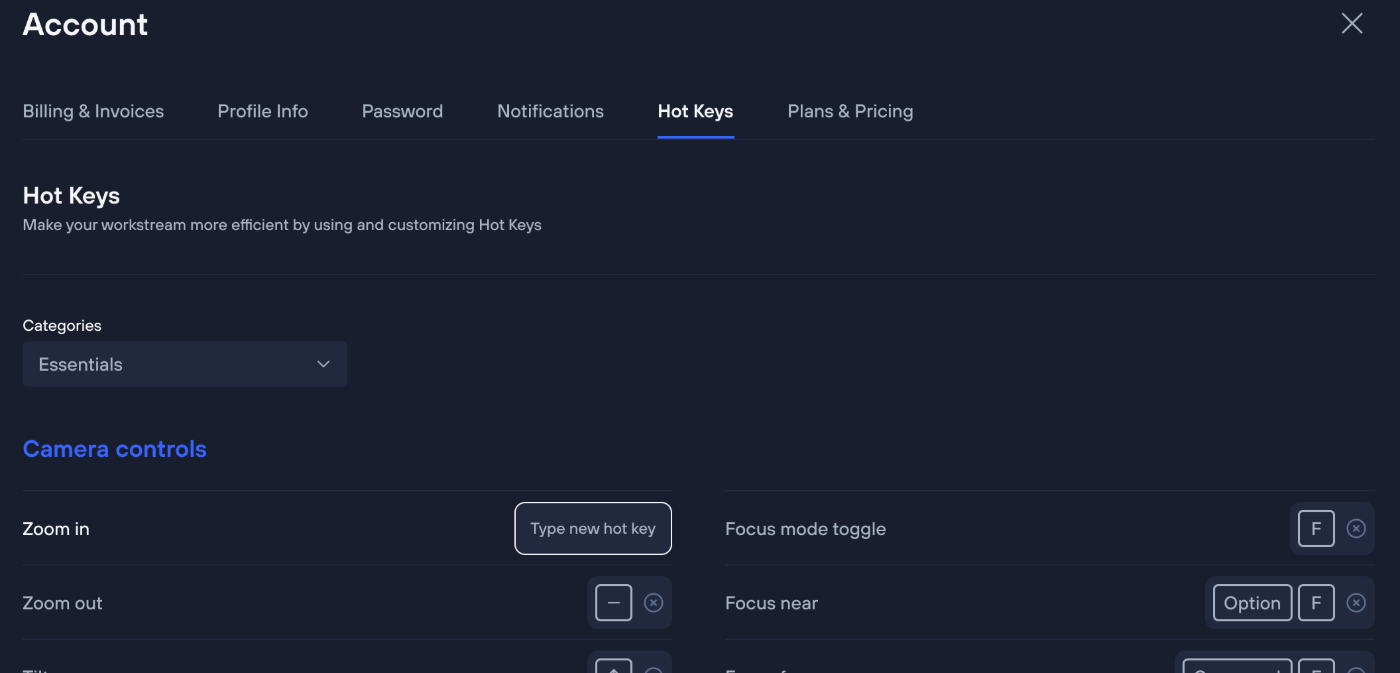
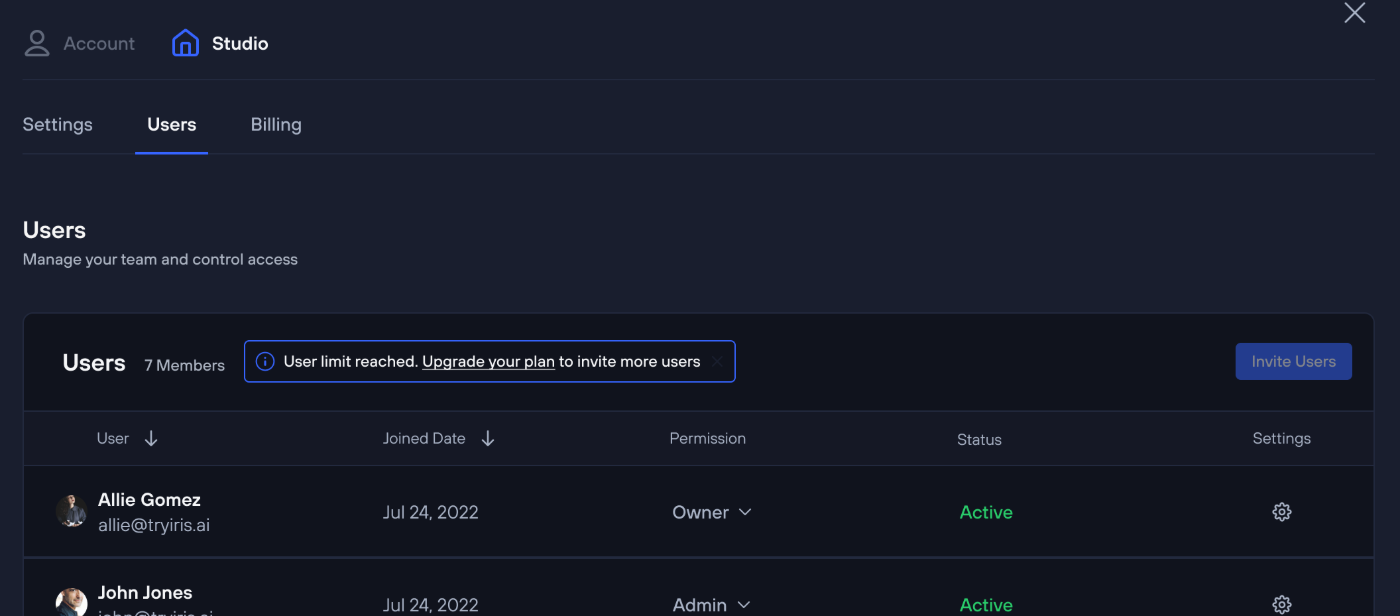
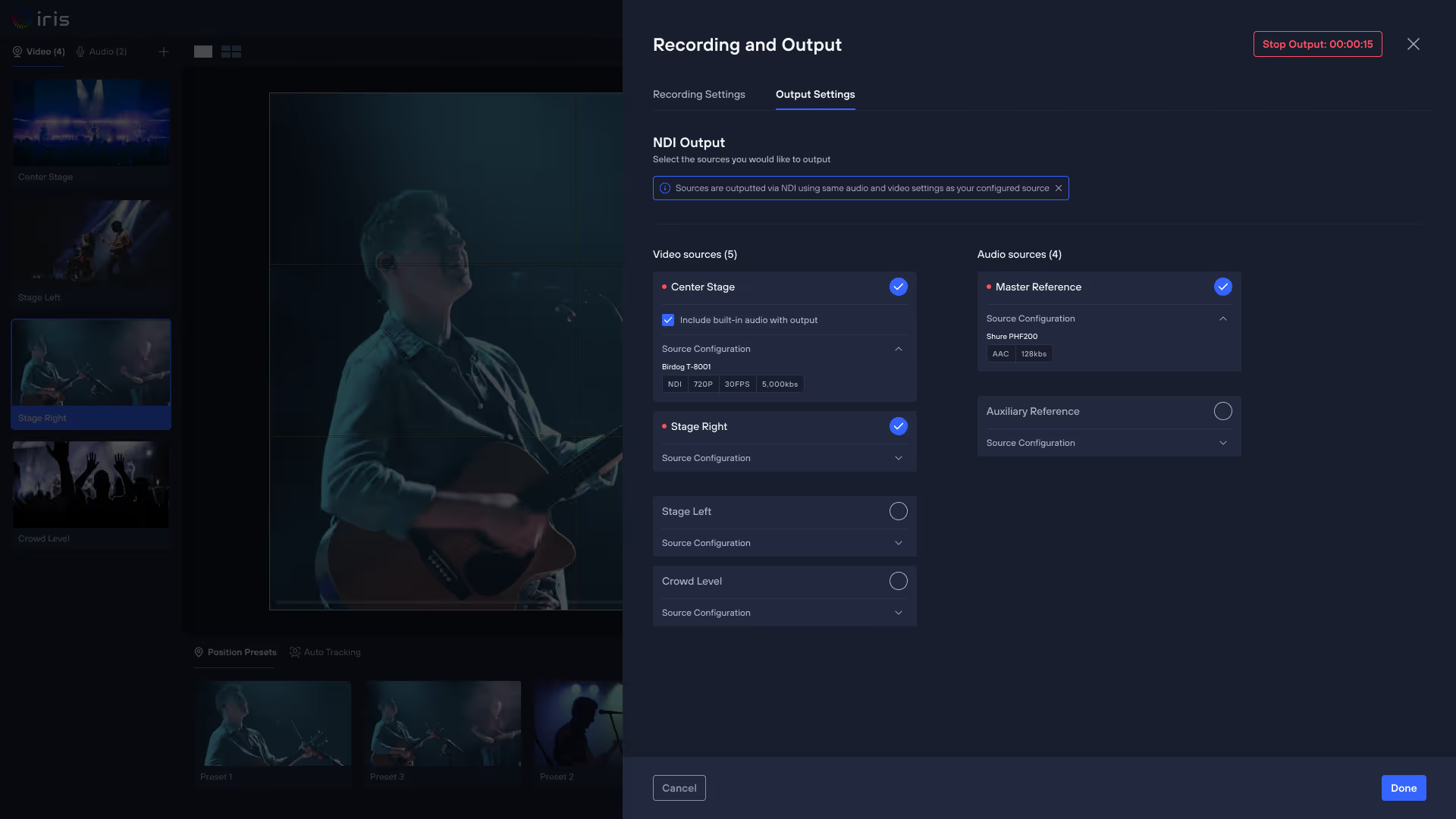
A single connection brings you cloud control, monitoring, automation, collaboration, and production tools.
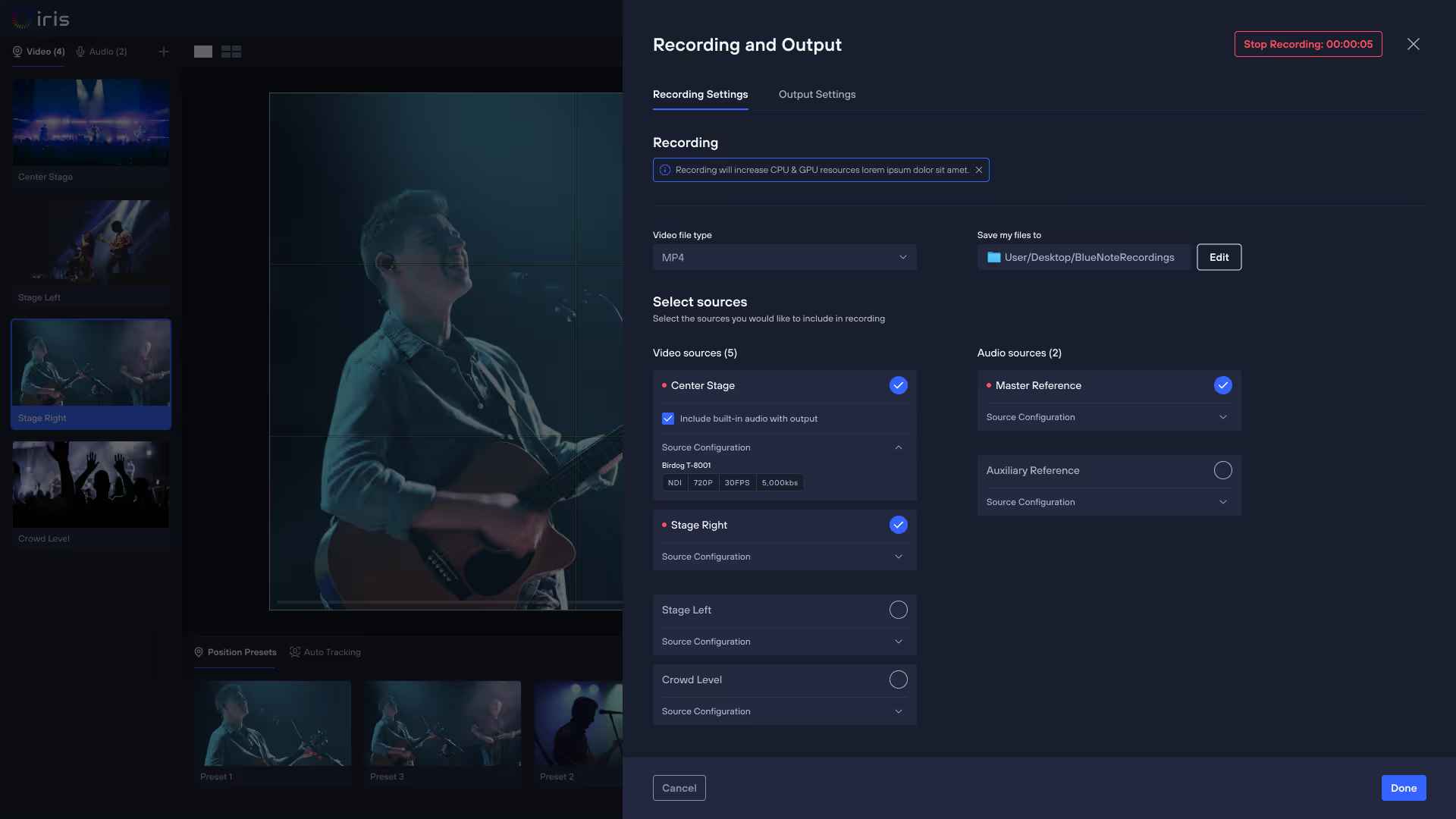
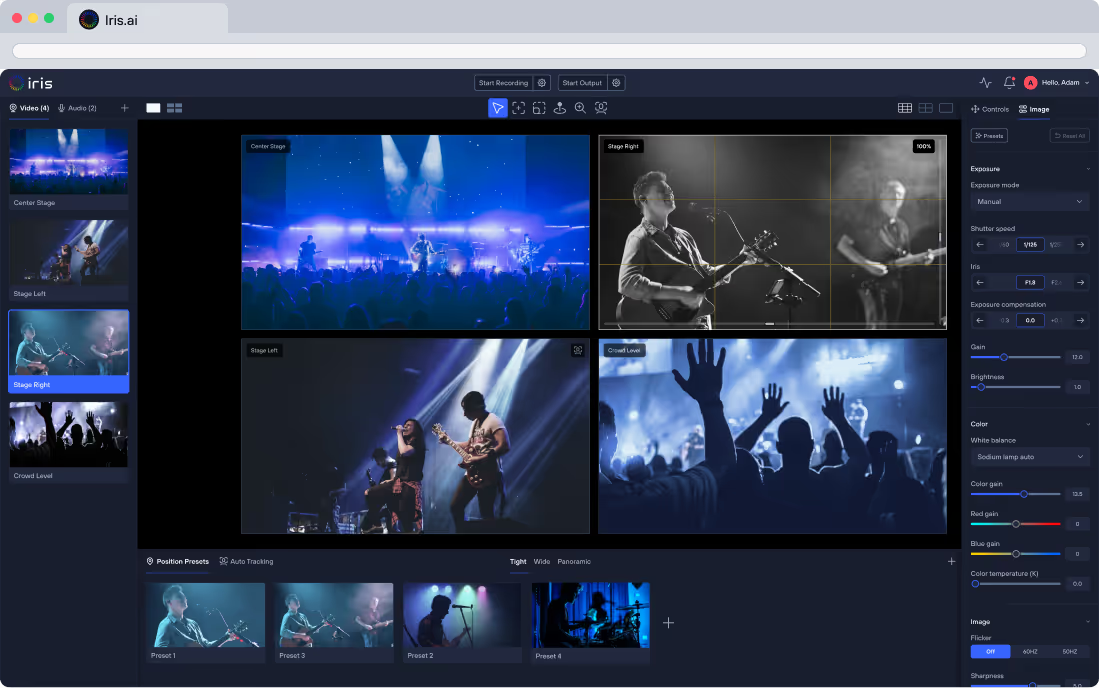
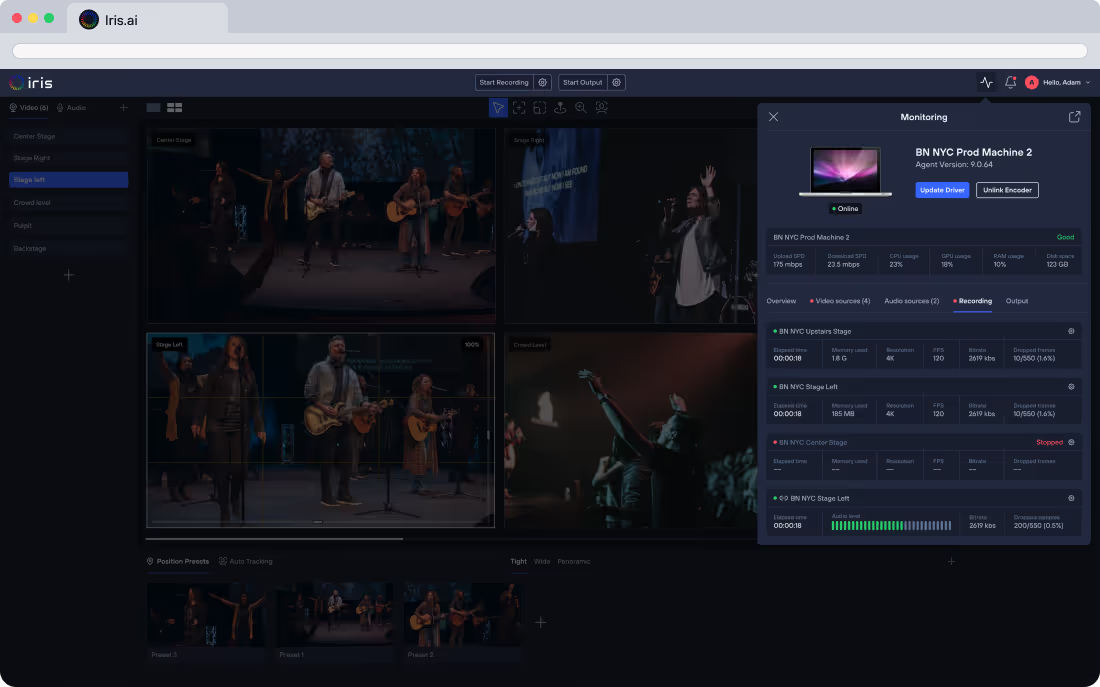
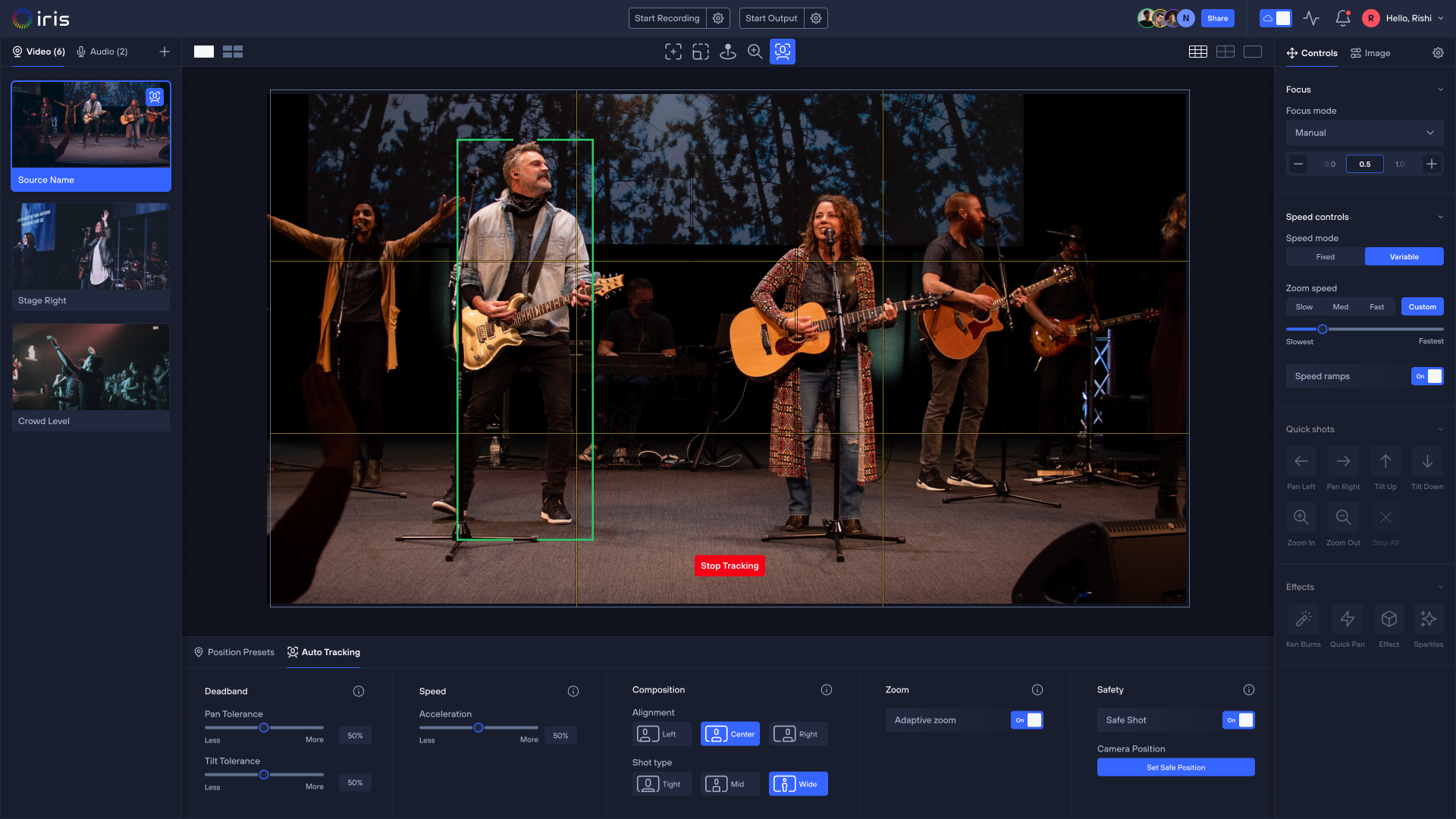

PRODUCTION MADE SIMPLE
Plug and play. Produce anywhere.
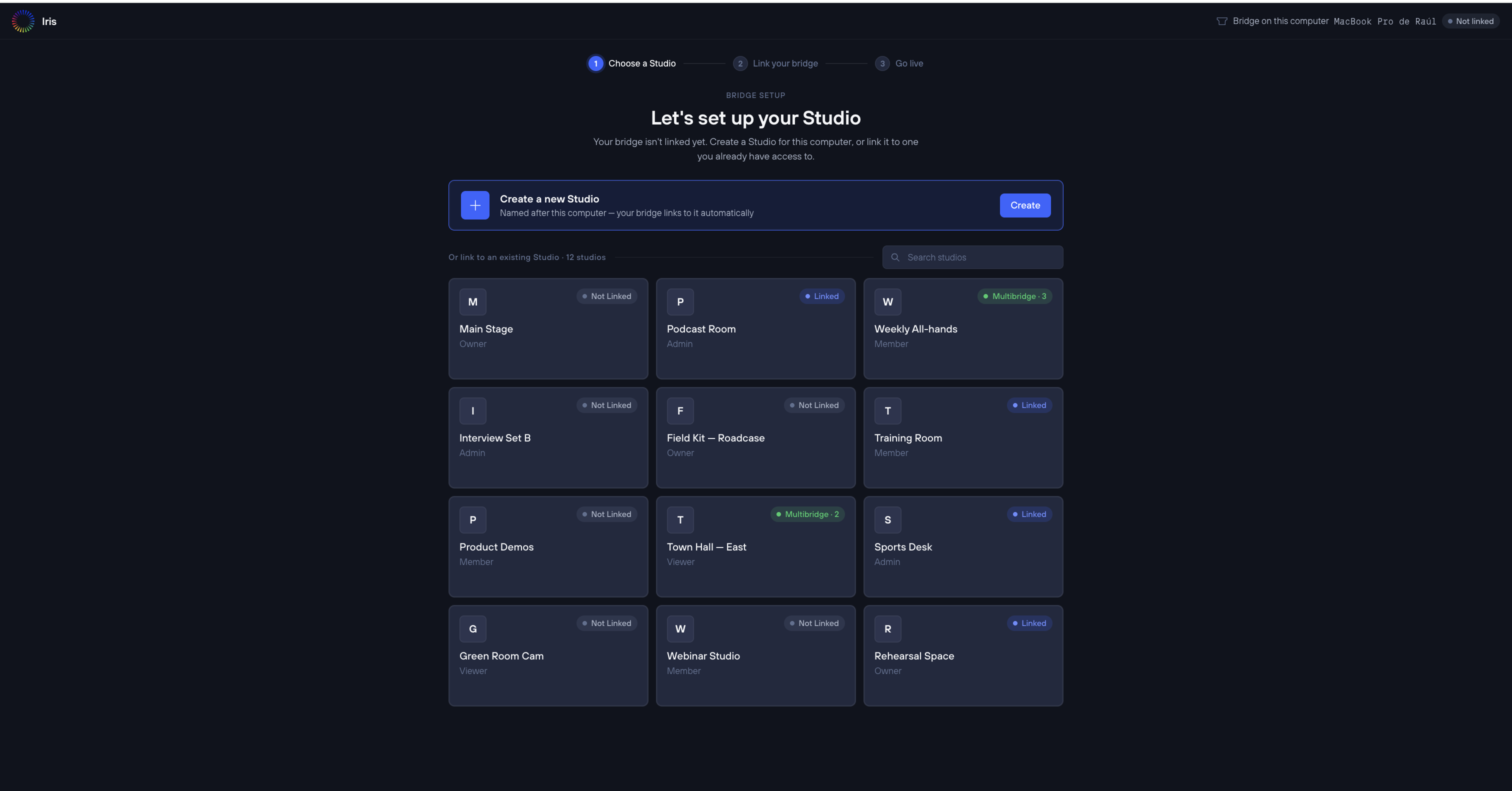
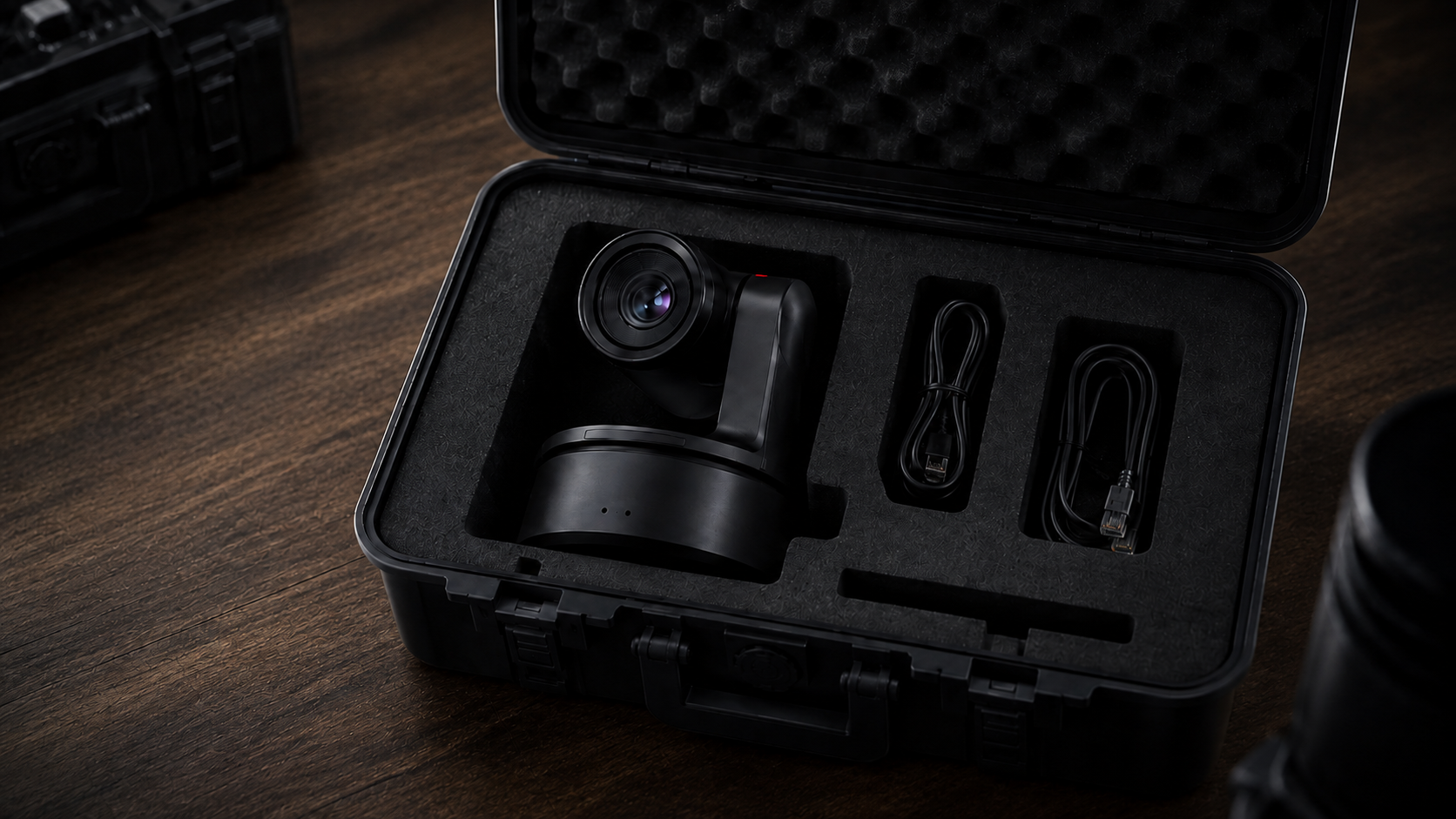
Link your Iris-Enabled camera once. Then ship it, move it, or deploy it anywhere. As soon as it connects to the internet, it appears in Iris ready for your team to take control.

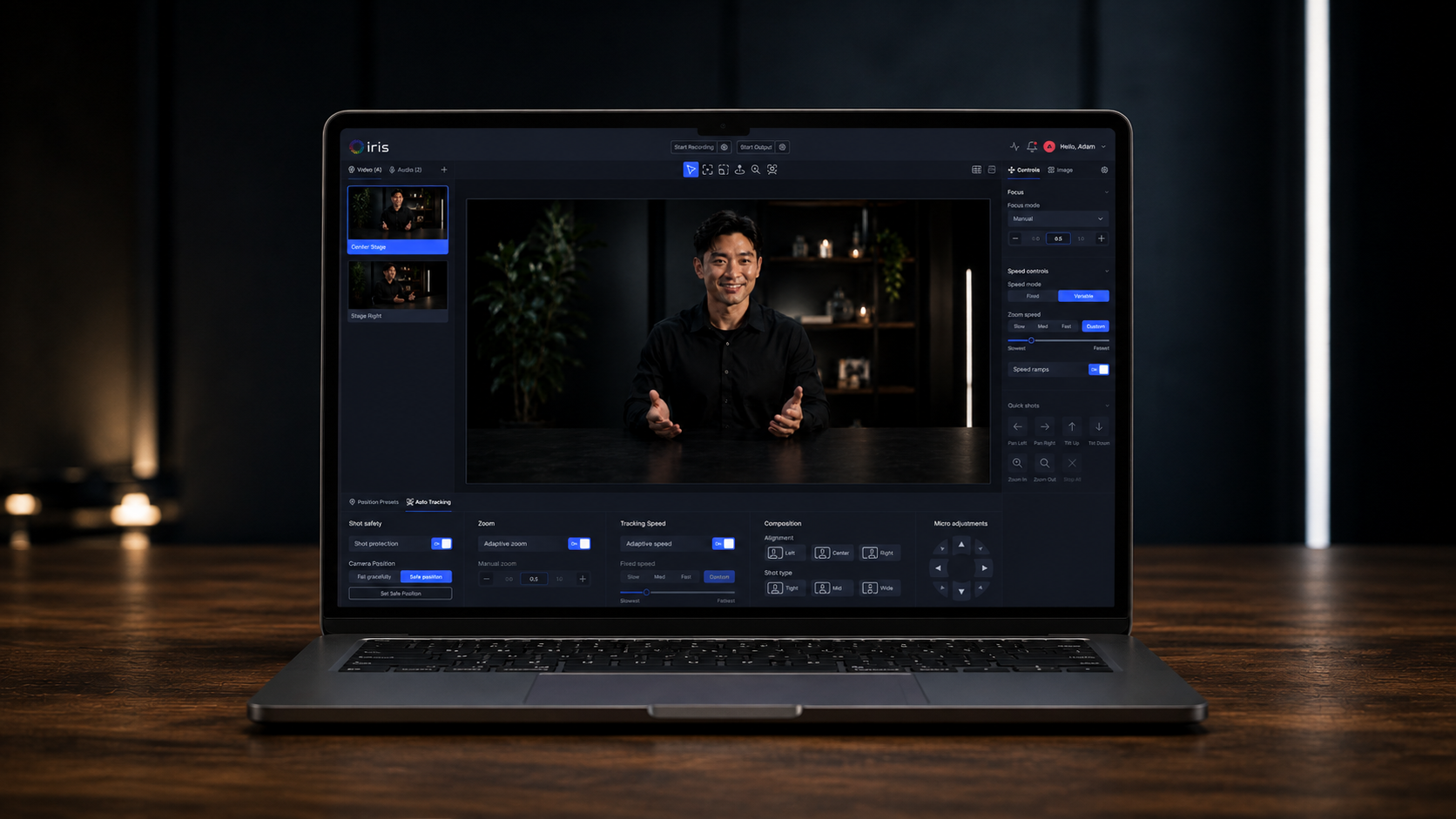
New ways to set up, deploy, and produce
Interviews
Send a pre-linked camera directly to talent and manage the shot from Iris.
Sports coverage
Deploy cameras across fields, gyms, and venues while one team manages production.
Shows and demonstrations
Give chefs, instructors, and experts a professionally controlled camera without sending an operator.
Pop-up and touring
Move cameras between venues and networks without rebuilding their connection.
FOR CAMERA MANUFACTURERS
Become Iris-Enabled.
Give customers a direct path to cloud control, remote support, and deeper device visibility—built into the camera experience from day one. Iris helps OEMs deliver more value after the sale and stand out with a modern software experience.
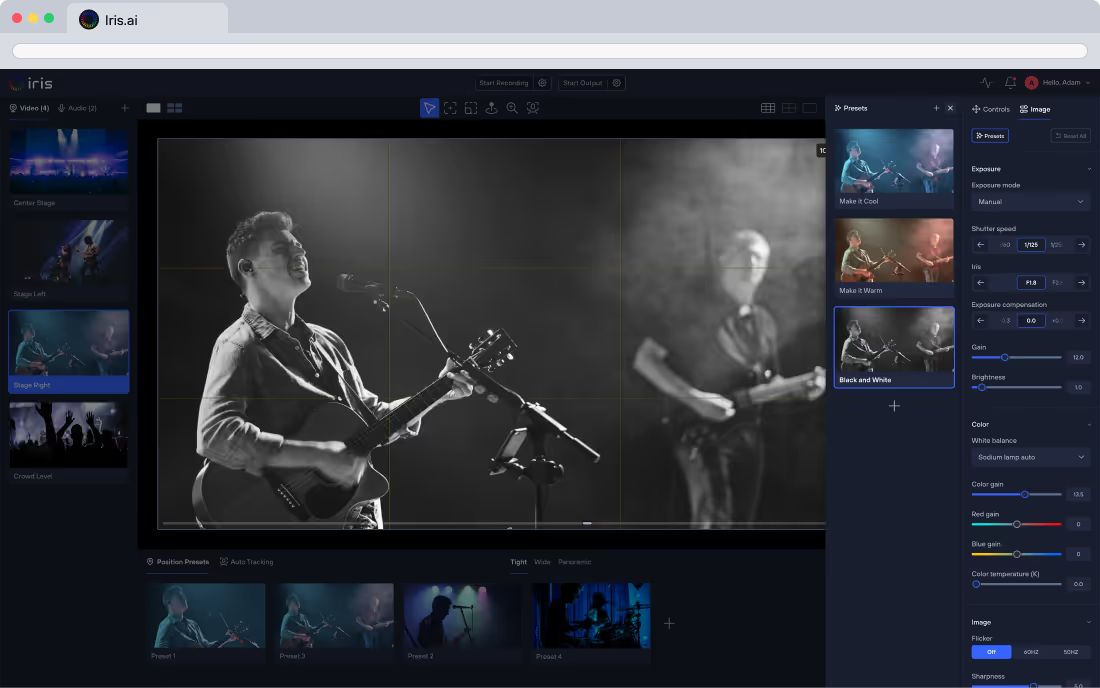
Learn more about Iris-Enabled cameras
What does “Iris-Enabled” mean?
Do I need an Iris Bridge?
Which cameras are Iris-Enabled?
What happens if I move the camera to another location?
Ready for Cloud Control?
Create your free Iris account, link an Iris-Enabled camera, and start controlling it from any browser.