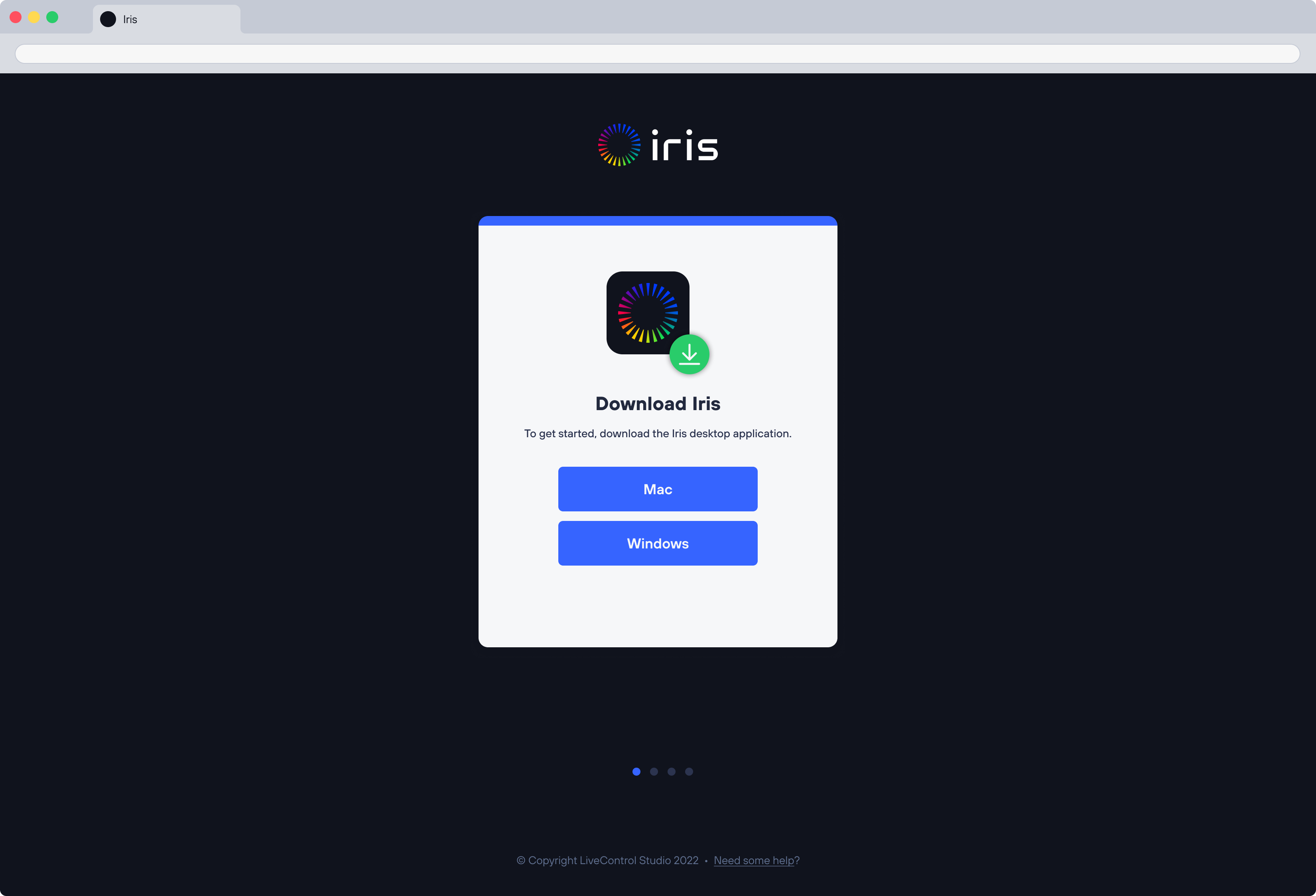
Download Iris and sign in.
Install Iris on a Mac or Windows computer. Sign in and your Studio is created automatically.
 LIVESony BRC-X400Video and control connectedDone
FROM DOWNLOAD TO LIVE CONTROL
Iris gets you from download to live camera control in just a few minutes.
Install Iris on a Mac or Windows computer. Sign in and your Studio is created automatically.
Your computer acts as a Bridge between your cameras and the cloud. Connect it to your Studio, and any cameras on that network become available.
Using an Iris Enabled camera? Connect without a computer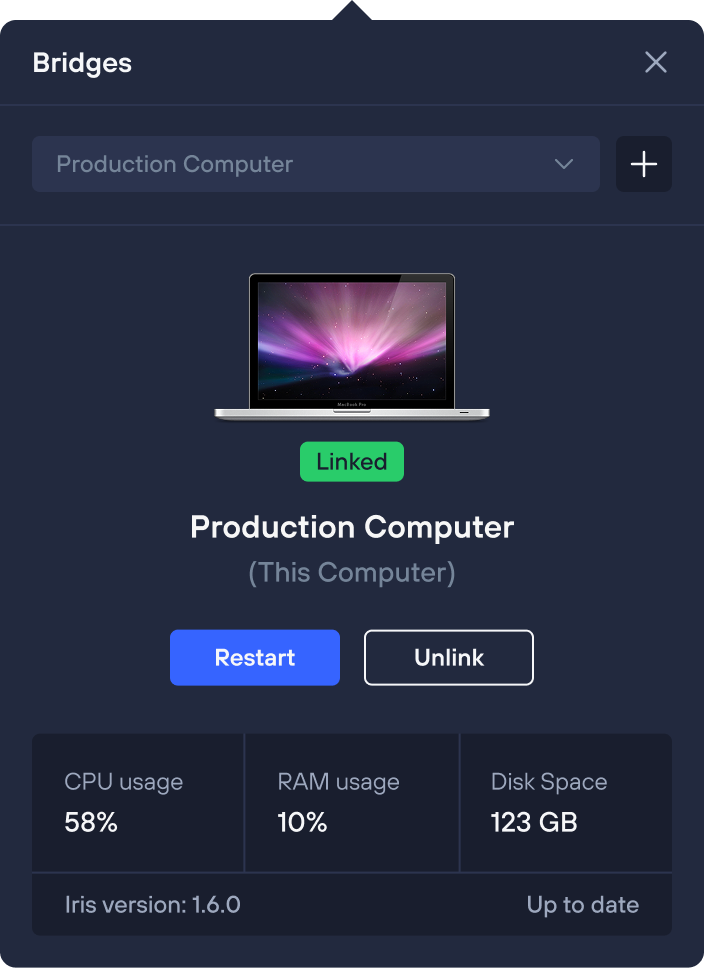
Iris automatically scans your network for available cameras, including NDI, RTSP, capture cards, and more. Just select the source you want to add.
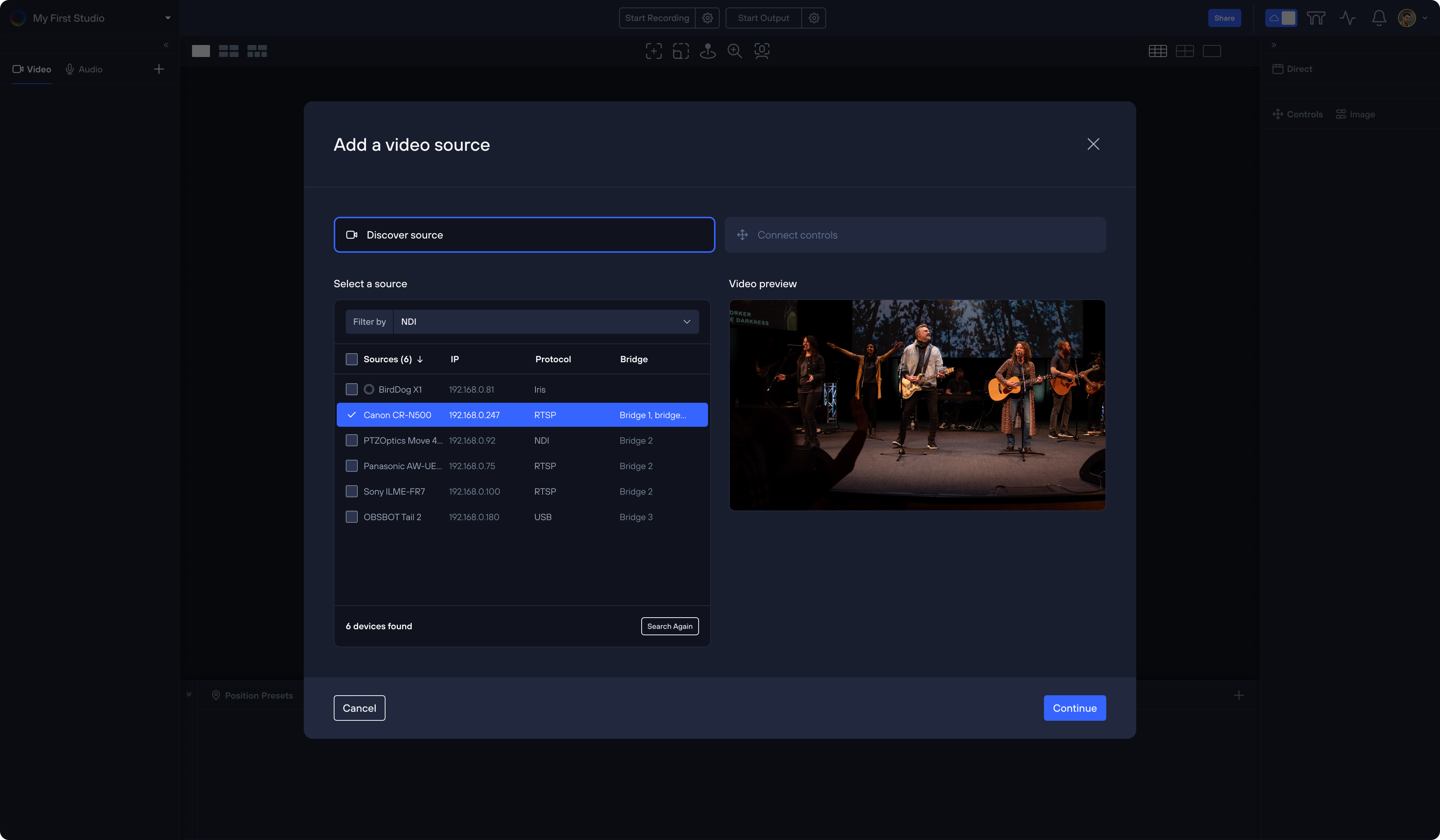
Confirm video, control, and select your camera driver. Iris loads all the unique commands for your camera, and Studio is ready to control.
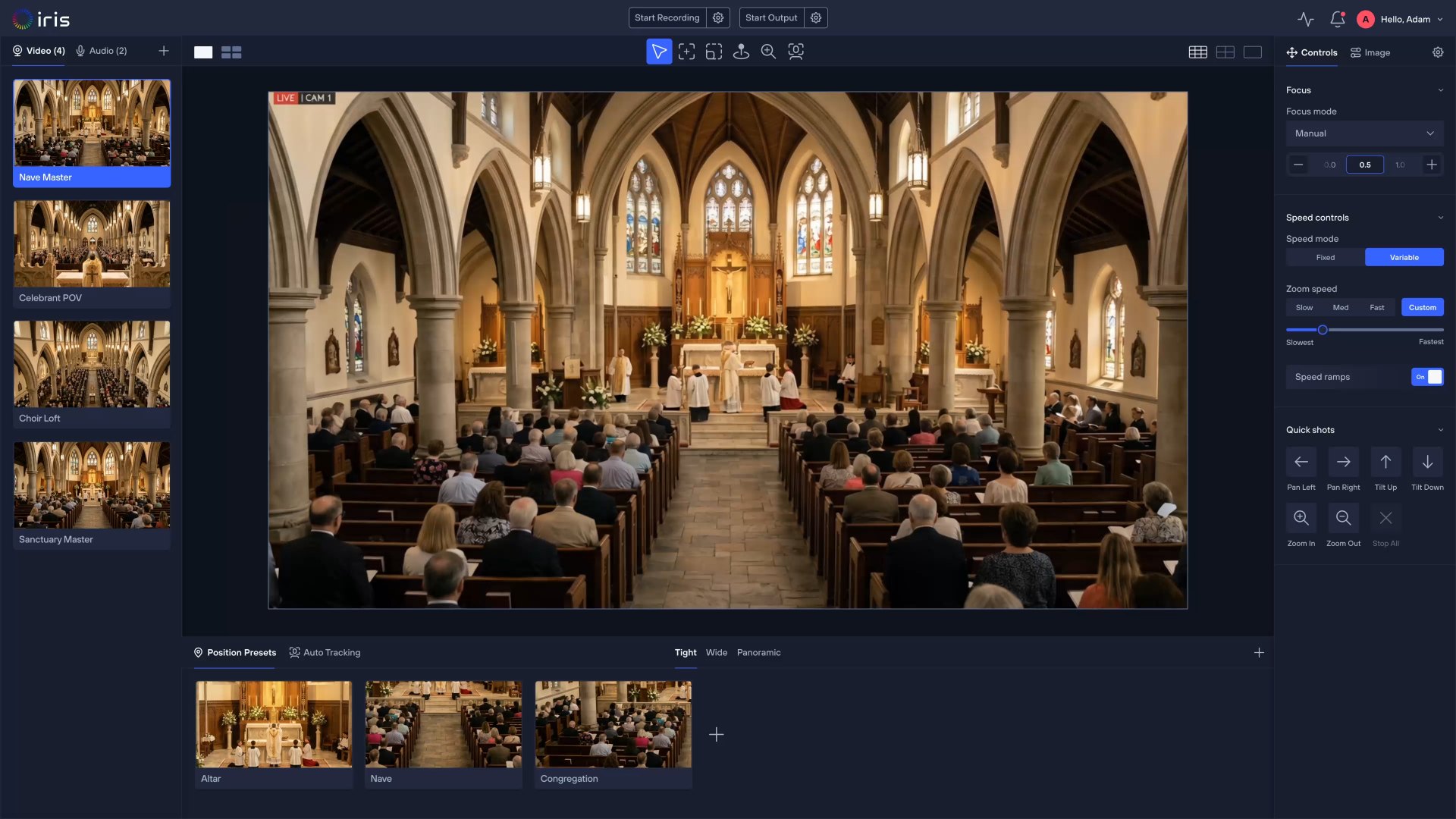
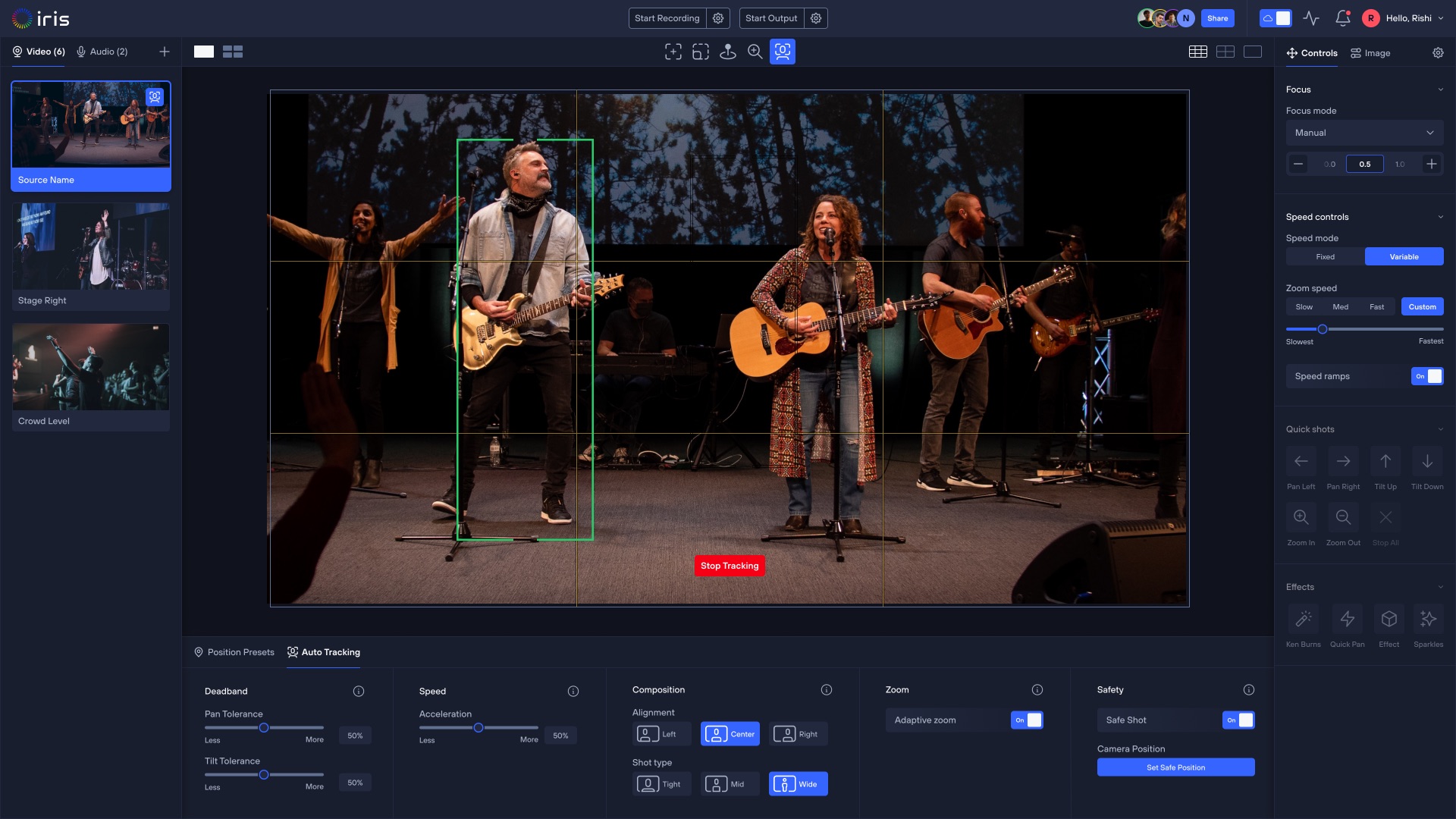
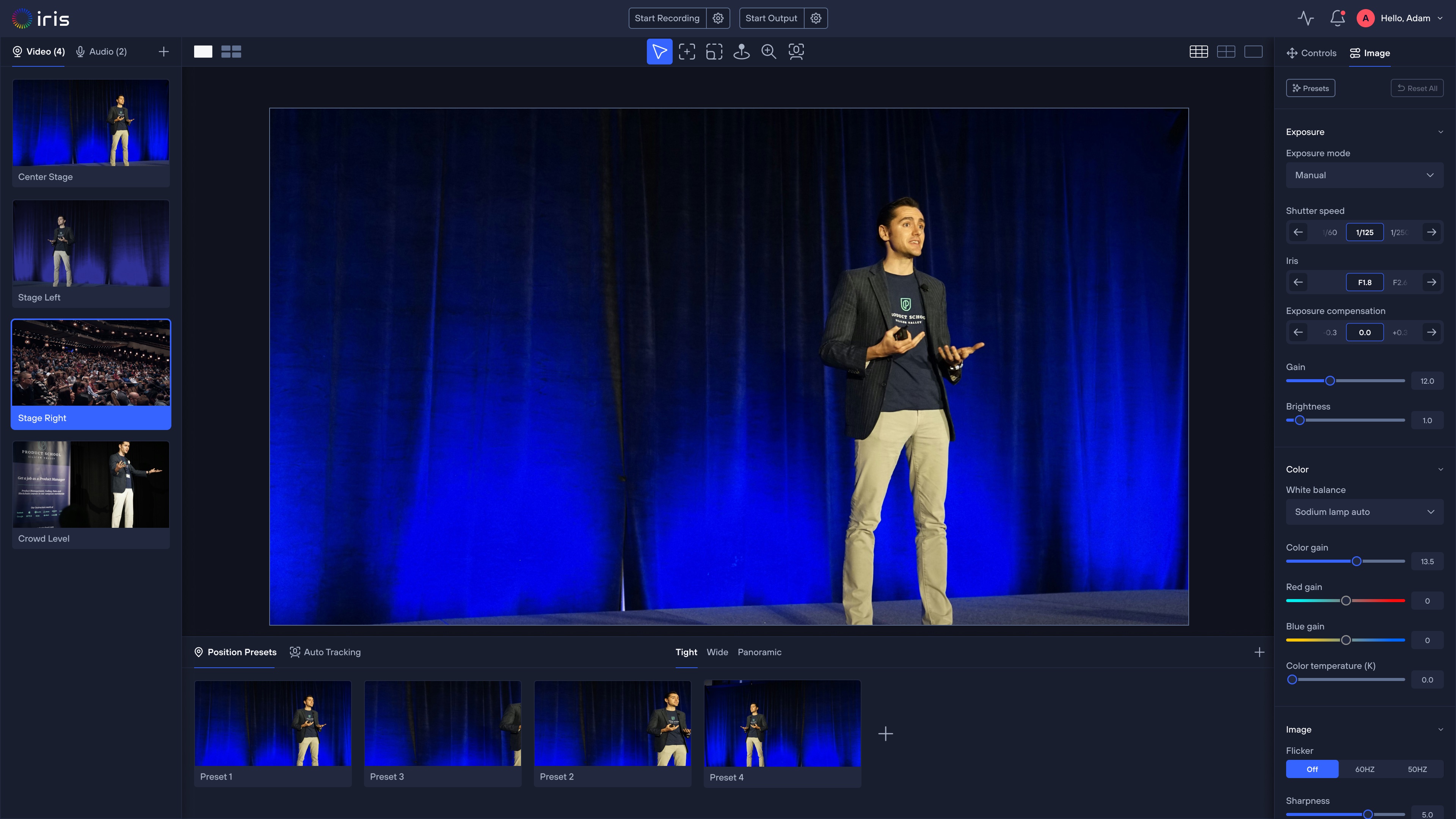
Bring your cameras together in one Studio and run the production from a single interface. Frame shots, recall saved positions, and adjust the image while watching the live result.
THE IRIS BRIDGE
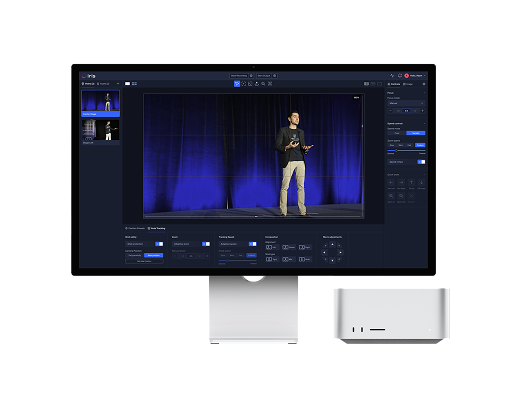
Any Mac, Windows computer, or Iris Enabled camera can be a Bridge. Link one to a Studio and every device on that network becomes reachable.
 BridgeStudio
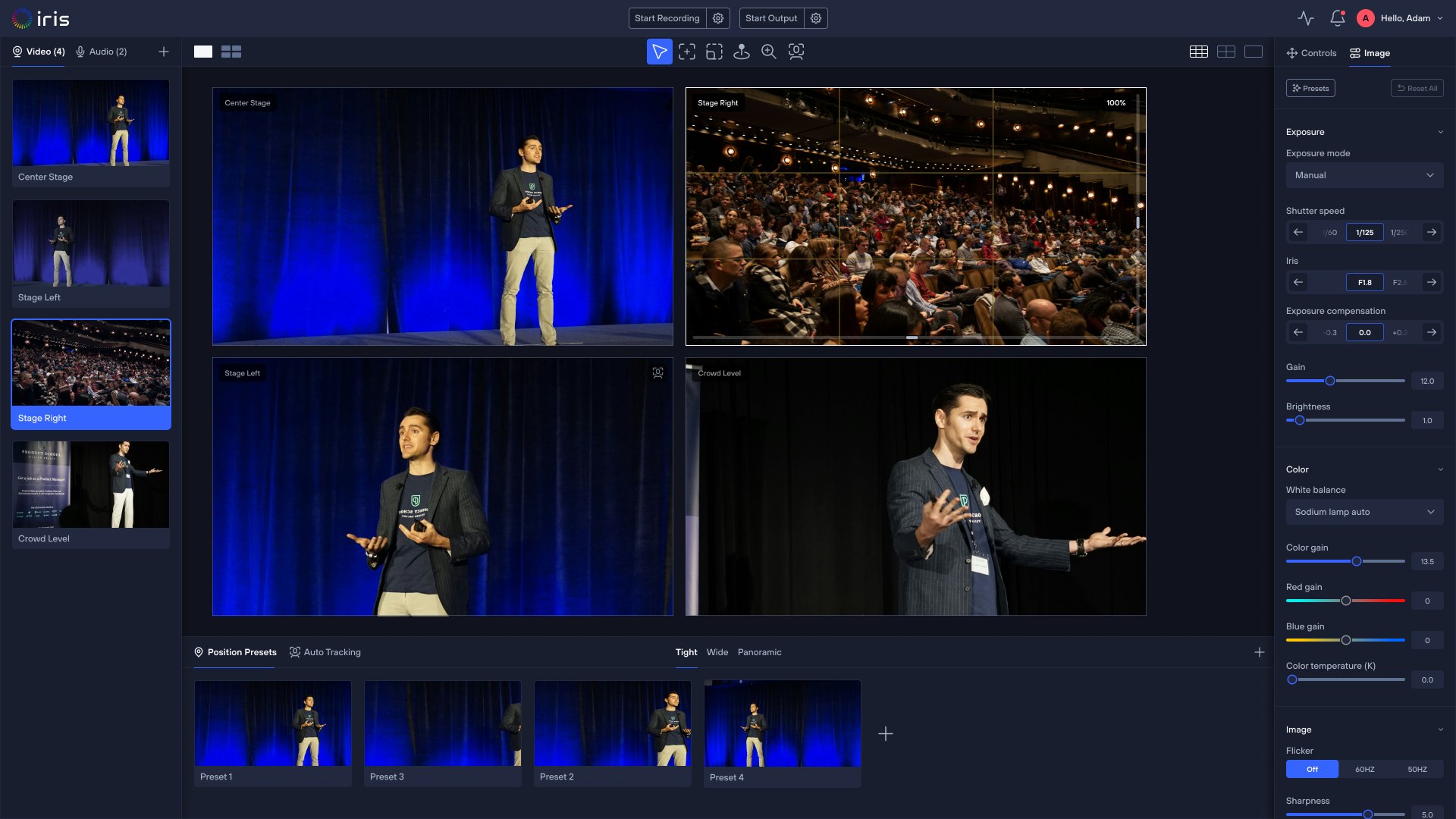
Any make or model on your network. Iris finds it and drives pan, tilt, zoom, and focus over IP — no capture hardware in between.
Iris BridgeThe Mac, Windows computer, or Iris Enabled camera on your network. It finds your cameras and carries their video and control.
Local NetworkKeep the production on your own network. The Bridge reaches your Studio directly, with no data sent to the cloud.
Iris CloudConnects your Bridge to your Studio, so the same production is reachable from anywhere.
Iris StudioThe interface you work in. Frame shots, recall presets, and adjust the image in the browser.
LOCAL OR CLOUD
Keep the whole production on your private network, or reach the same Studio from anywhere over the cloud.
BridgeOperatorWORKFLOW MADE EASY
Connect your cameras, controllers, and production tools to Iris without rebuilding your workflow.
INPUTS
Connect your cameras and controllersBring your existing cameras, controllers, and video sources with you. Iris fits into the setup you already run.
OUTPUTS
Connect your production workflowSend video to the graphics, switching, recording, and streaming tools you already use.
HARDWARE COMPANION
Use Iris with the hardware you already have. Plug in and Iris works alongside it as a software companion.
ONE ORGANIZATION
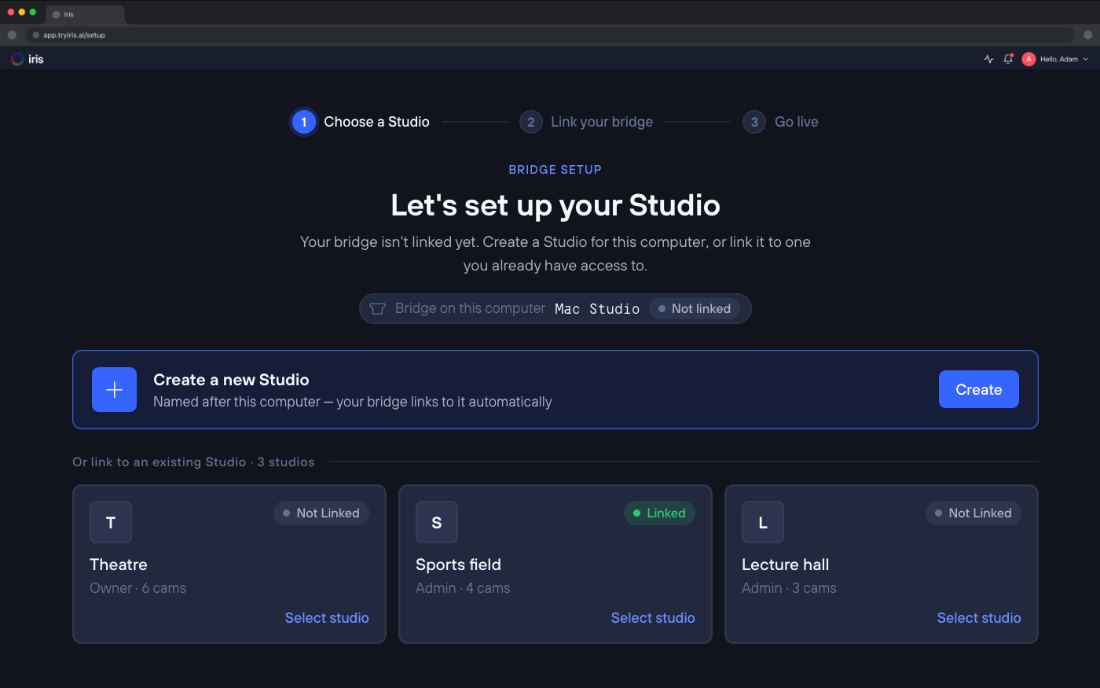
Every room runs as its own Studio, with its own Bridge and cameras. Create the Studios you need, invite the people who run them, and reach all of them from a single Iris login.
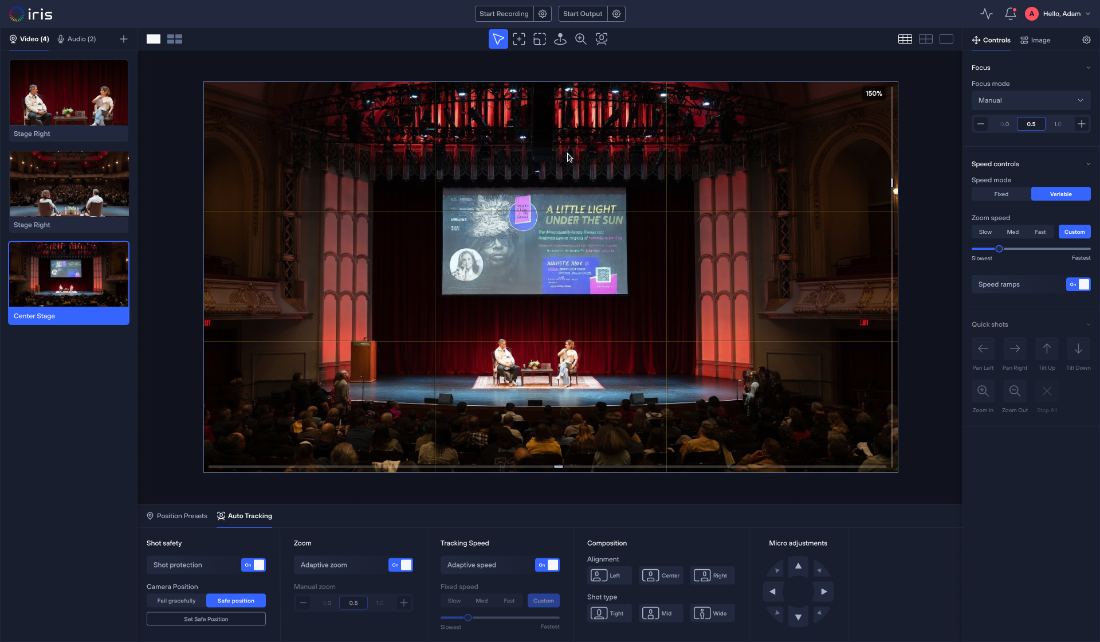
Theatre · 6 cams
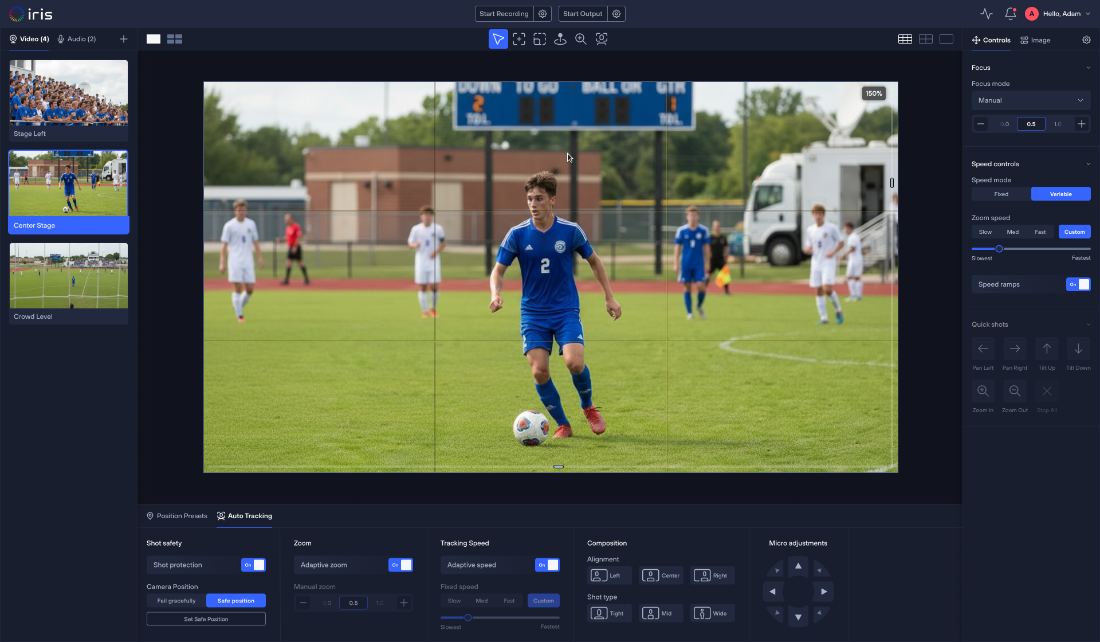
Sports field · 4 cams
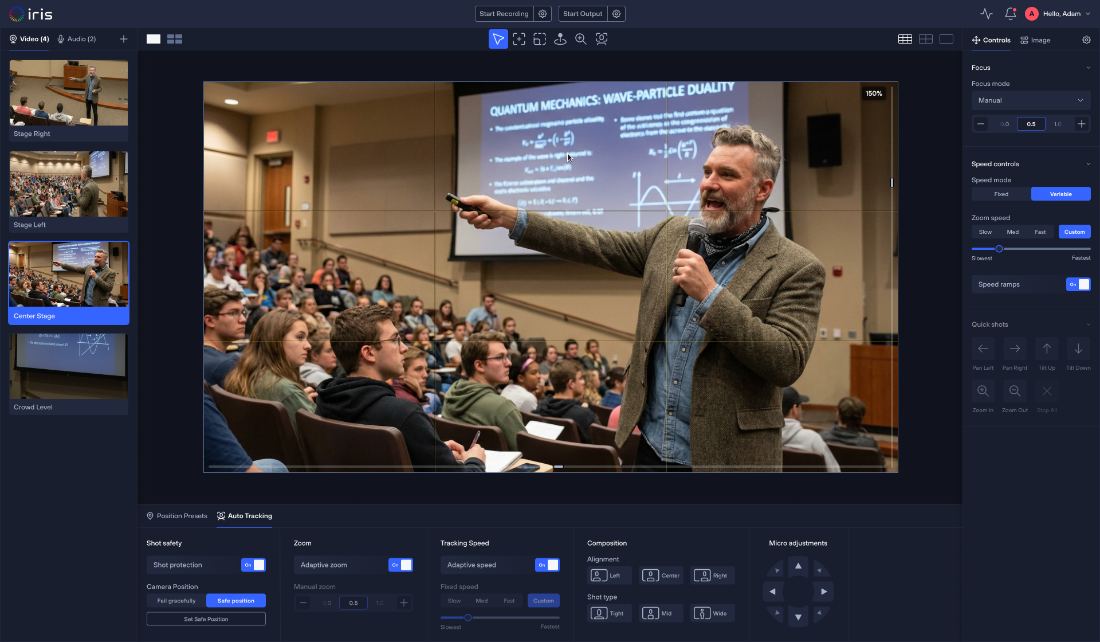
Lecture hall · 3 cams
SHARE AND COLLABORATE
Invite your team into a Studio and everyone works from the same cameras, wherever they are.
01 · Go to your Studio
Open studio.tryiris.ai in any browser. Nothing to install.
02 · Invite your team
Send an invite by email or share a link, with the role you choose.
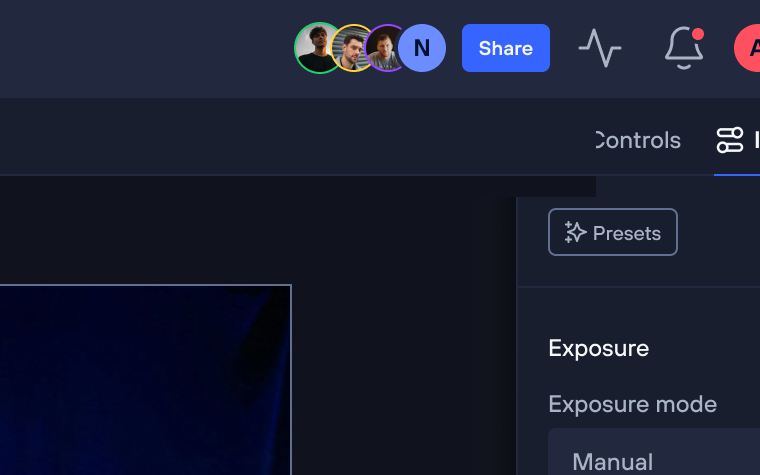
03 · Collaborate in real time
Everyone sees the same cameras and the same controls, live.
GET STARTED
Create your account, download Iris, and start with the cameras and production gear you already own.